1. What should be included when archiving a project?
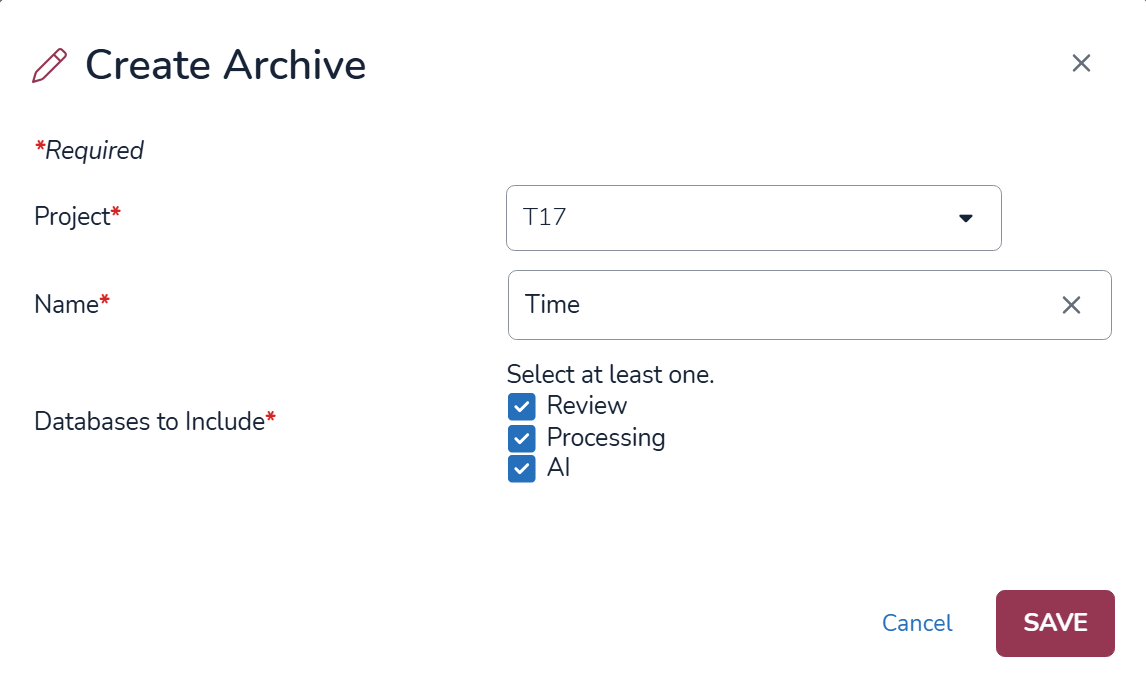
If including multiple components or databases in an archive, i.e. Review, Processing and AI, we recommend archiving all project components together as a single archive rather then separately. This approach minimizes duplicate files, avoids unnecessary storage expansion, and ensures all project data and associated components remain consistent when restored.
2. Do archives store project settings, including work folders and saved searches?
Yes, this information is captured in the database backup.
3. How large of a project can be archived and restored?
The largest project successfully archived and restored to date is approximately 40 TB. Larger projects may require additional planning in terms of storage and infrastructure requirements, and longer processing times.
4. How long does it take to archive a project?
Archive performance depends on multiple factors including the project’s size, document count, and databases selected for inclusion.
As general guidance, typical archive throughput is approximately:
2 million documents per hour, or
2 TB of data per hour
5. Why is the archive larger than the original project?
It is normal for an archive to be larger than the source project.
Archives contain more than just the original source files. They may also include:
Multiple representations of the same data
Processing metadata
Intermediate processing data
Search indexes
Configuration information
Other project components required for a complete restoration
Because of this additional information, archive size often exceeds the size of the original project.
AI-generated data does not scale linearly with the size of the project.
Storage consumption depends heavily on how AI features have been used, including factors such as:
The number of AI models applied
The number and size of vector indexes generated
AI-generated reports and analyses
Additional AI processing artifacts
As a result, two projects with similar document counts may have significantly different AI storage requirements.
7. Can you explain the folder structure generated during the archive process?
Archive Output General Folder Structure contains:
At the root level there will be three folders.
The name of these folders is based on the environment it is hosted.
The numeric folder naming used is to organize data in an efficient manner.
Root Folders Breakdown
A folder containing the files from Reveals Cloud Storage for both processing and review.
There is a folder per document containing the data for that record.
A folder containing the SQL backups.
A folder containing Reveal Application files.
8. Are there any steps I need to take after the project has been restored?
You will want to validate the restore by carrying out some Quality Control (QC) checks. This should include but not limited to:
Ensuring native and text files are visible in the project and/or any additional image sets loaded.
Spot checking tagged and redacted documents. These can be pulled back quickly for validation using Filters.
Check any custom tag profiles, field profiles, redaction profiles and wordlists are available.
Ensure any classifiers are available in the Supervised Learning tab if these had been created prior to the project archive.
Any issues should be flagged with support@revealdata.com immediately.
9. Who creates the Company, Client, and Project?
The customer is responsible for providing or creating the Company, Client, and Project information, as they are best positioned to determine how these should be structured and named. If they do not exist before the restore, the Infrastructure team will make a best-effort determination when creating them based on the information available.
10. How long does it take to restore a project?
Current service guidance provides an SLA of up to five business days for project restores.
However, restore duration is highly dependent on factors such as:
Total project size
Document count
Archive complexity
Storage performance
AI-generated content and indexes
Some restores may complete in only a few hours, while very large or complex projects can take many days.
11. What if I delete my project in error prior to archiving or my archive gets corrupted?
We can perform what is called ‘Disaster Recovery’. This is when an archive is unavailable or when a project must be restored due to accidental data deletion, project corruption, or other data-loss scenarios. Please note, backups used for this type of recovery are only retained for 30 days.
If the Disaster Recovery method is required, please submit a support ticket to: support@revealdata.com including the information set out in FAQ 8(4), excluding f and g. NB - Please also include the date, time and timezone that you want the project state to be restored to.