Information categories are topics that standing publications are filed under to help with organization, like meeting minutes, financial reports, etc. Every standing publication must belong to an information category, and categories are displayed across the Agency Portal in the order you set.
Admins manage categories in Settings > Categories.
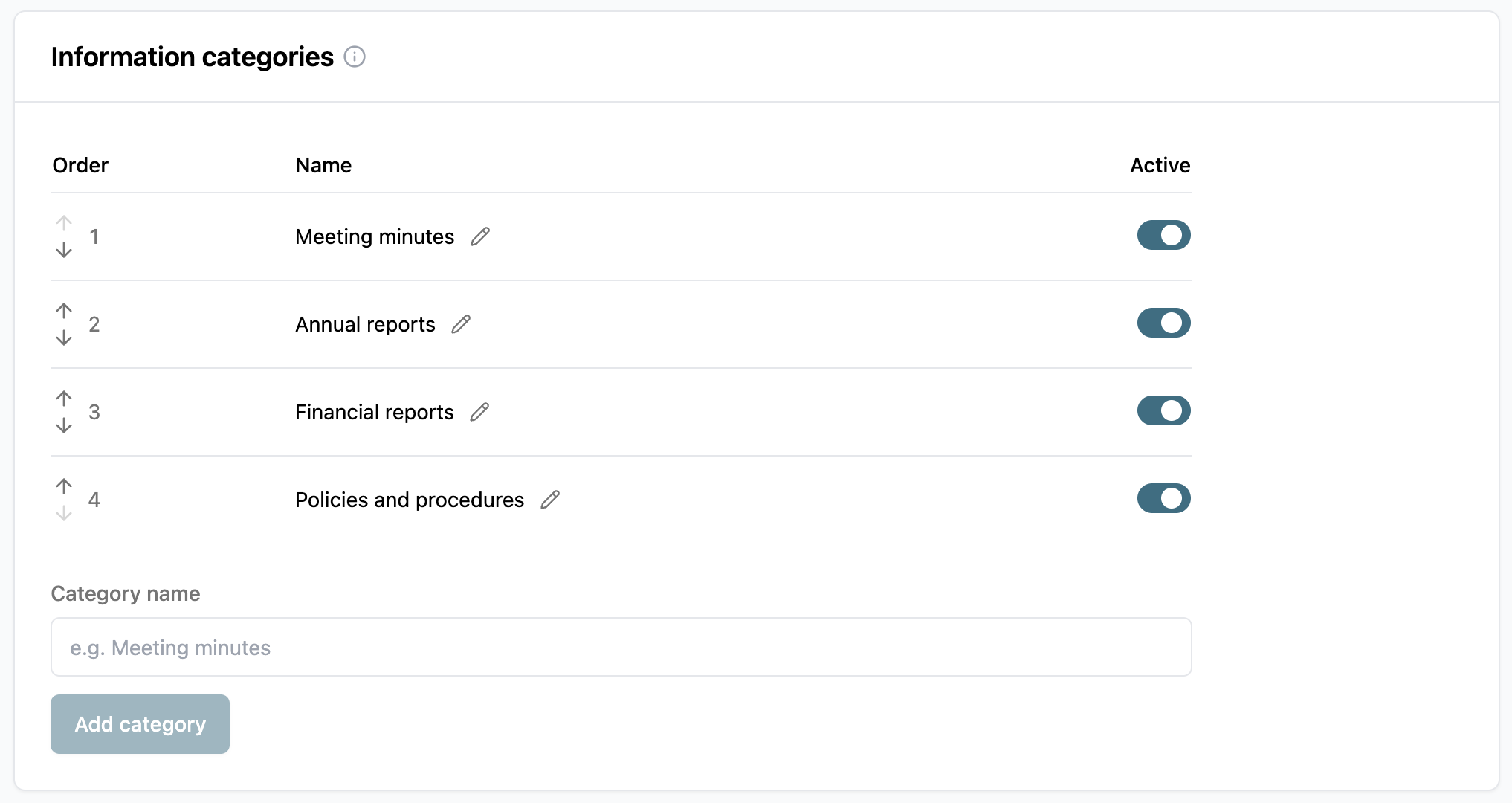
Add new information category
To add a new information category…
Go to Settings > Categories.
Category name: Type the name of your new information category.
Click Add category.
New categories are set to active and added to the bottom of the list.
Manage information categories
Each information category in the list shows its Order, Name, and whether it's Active. Information categories cannot be deleted, only deactivated.
Change information category order
Use the up and down arrows next to an information category to change its order.
The order is strictly visual; it impacts how categories are listed to agents when creating or editing standing publications.
Rename information category
Information categories can be renamed, if needed.
Click the
 pencil icon next to the category's name.
Change your information category name.
Click Save.
Deactivate information category
Turn off the Active toggle. A deactivated information category can't be chosen for new standing publications, but publications already filed under it keep their category.