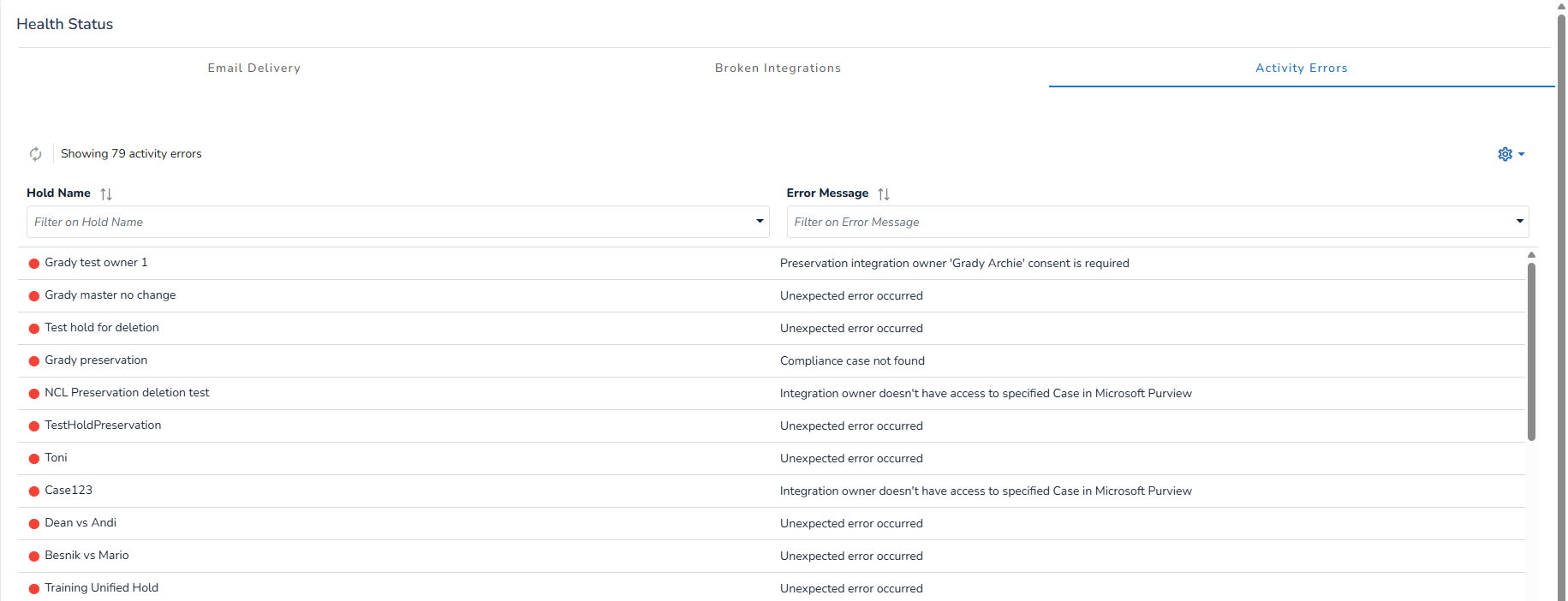
The Health Status dashboard provides a centralized place to monitor the operational status of all system integrations that affect active Holds. The dashboard will list all broken integrations so that users can take immediate action.
This page, located in the Admin section will monitor the operational status of:
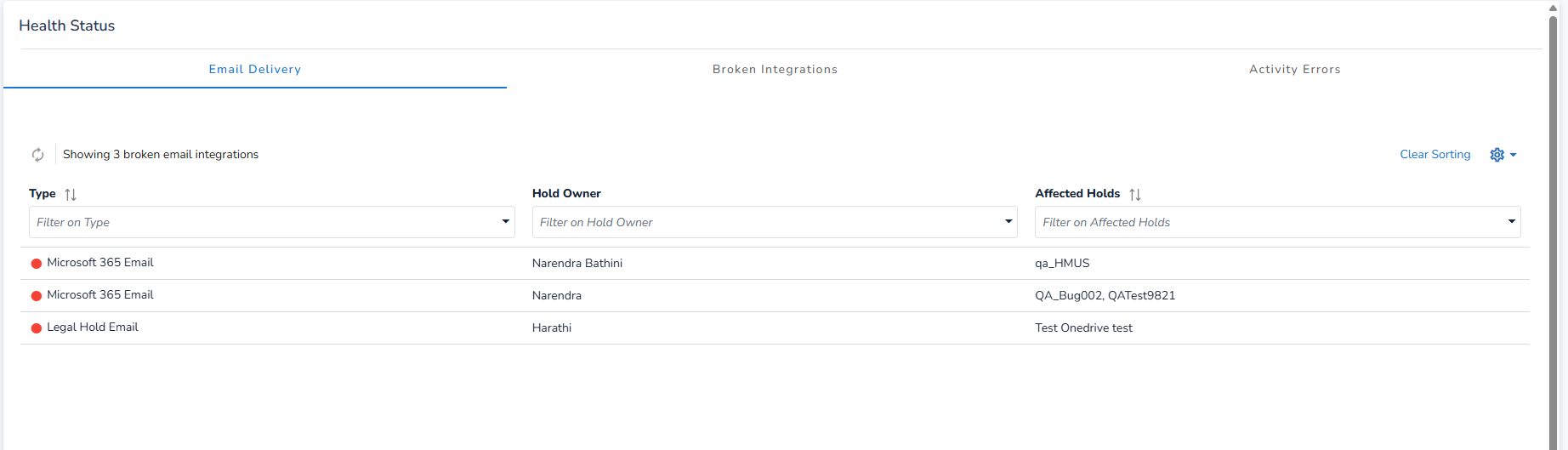
Email Delivery: Displays broken email integrations for Hold Owners with active Holds. It lists the type of Holds, affected Holds, the Hold Owner for each, and provides links to the specific Holds impacted.
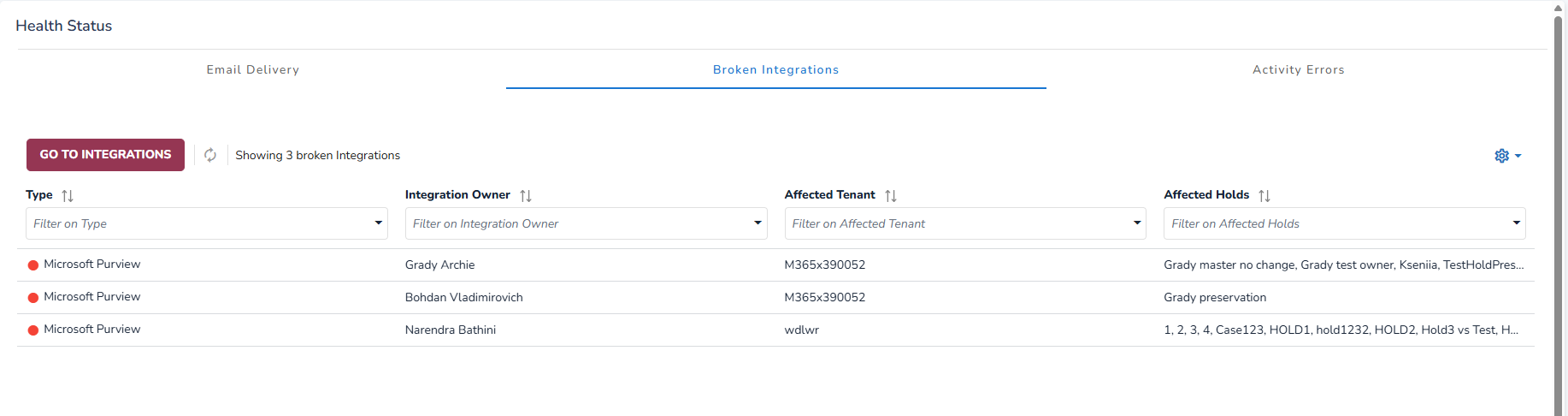
Broken Integrations: Lists broken integrations for Microsoft 365 Preservation Explorer, Contact Synchronization, and Microsoft Purview. For each integration, it displays the integration type, the integration owner, the affected tenants, and the affected Holds. When an integration breaks, the system will display a pop-up notification specifically for Global Hold Managers and System Administrators. This alert includes a direct link to the Health Status dashboard, enabling quick access to diagnostic details and resolution steps.
Activity Errors: This section shows errors from the Activity Center for individual Holds. It displays each Hold name along with the corresponding error message.