Instance Administrators can view and manage Ask Questions allocations from the Allocations screen.
View Ask Allocations
To view Ask Questions allocations:
From the Reveal Home screen, go to Allocations.
Select Overview.
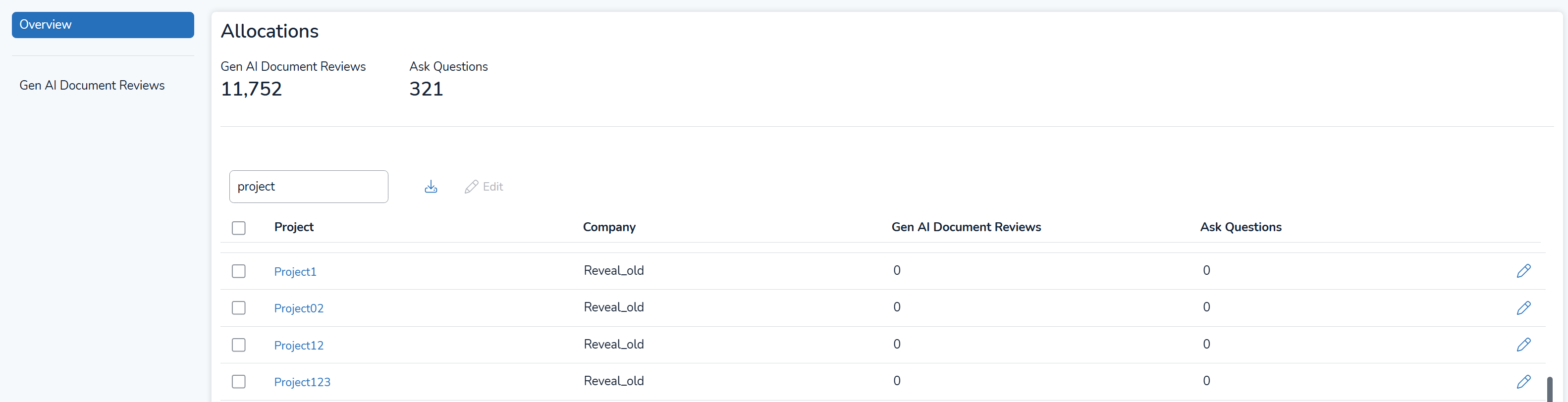
The Allocations screen displays the total number of Ask questions across the instance, while the Ask Questions column in the table shows the number of questions for each project.
The Allocations table can be downloaded as a spreadsheet file by pressing the  download icon.