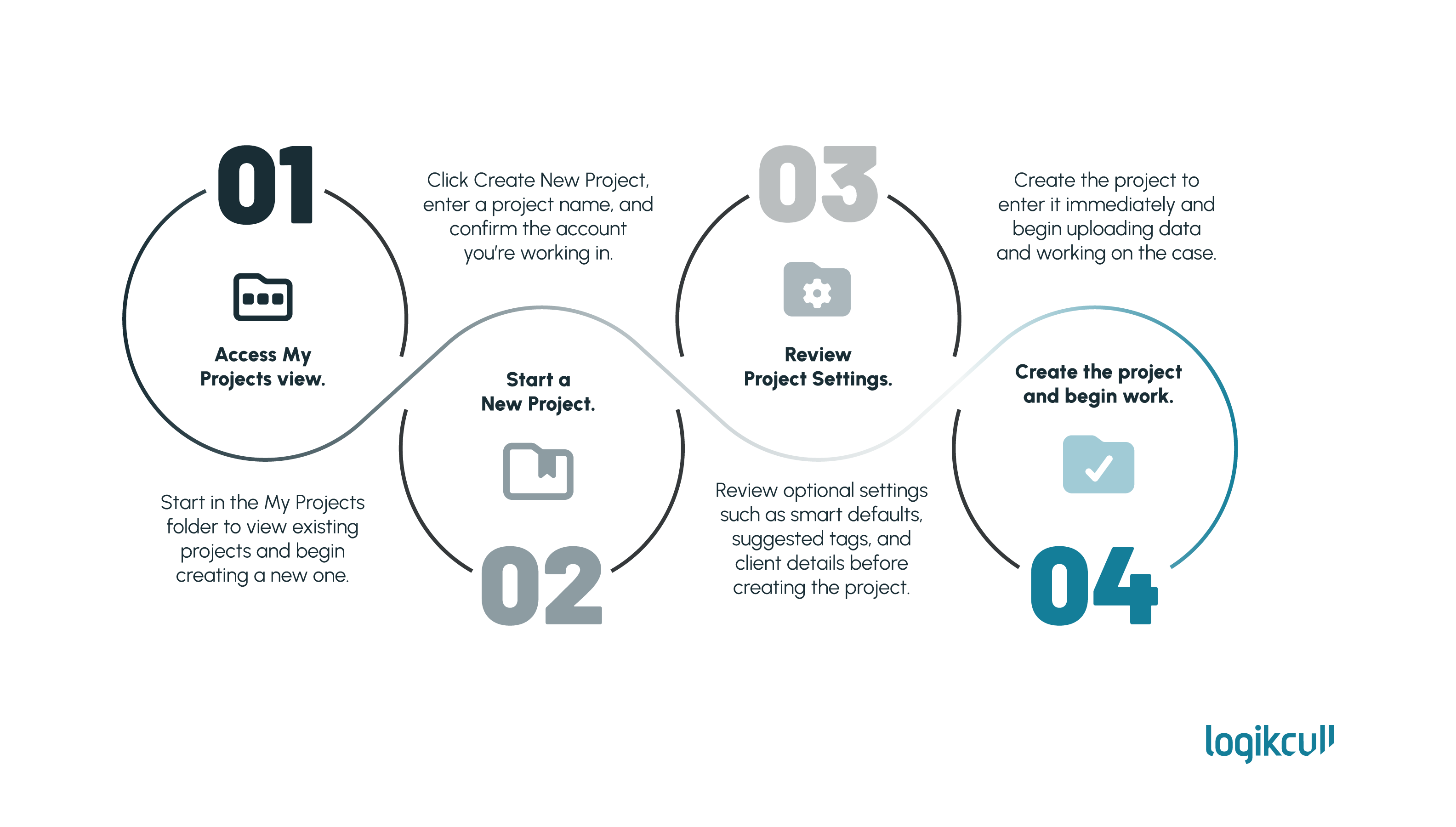
This article covers the workflow in two ways: a quick visual guide and a video walkthrough.
This workflow will show you how to create a new project in Logikcull. Following these steps helps ensure the project is properly configured before you begin uploading and reviewing your data.
What You'll Need
Before you begin, make sure you have:
Project Creator, Account Admin, or Account Owner permissions
Access to the correct Logikcull account
A project or case name - and any optional identifiers such as a client matter code
Quick Visual Guide