Items included in the January 2026 release.
Key Features Highlights
Support for Latest and Multiple Page Versions in Confluence
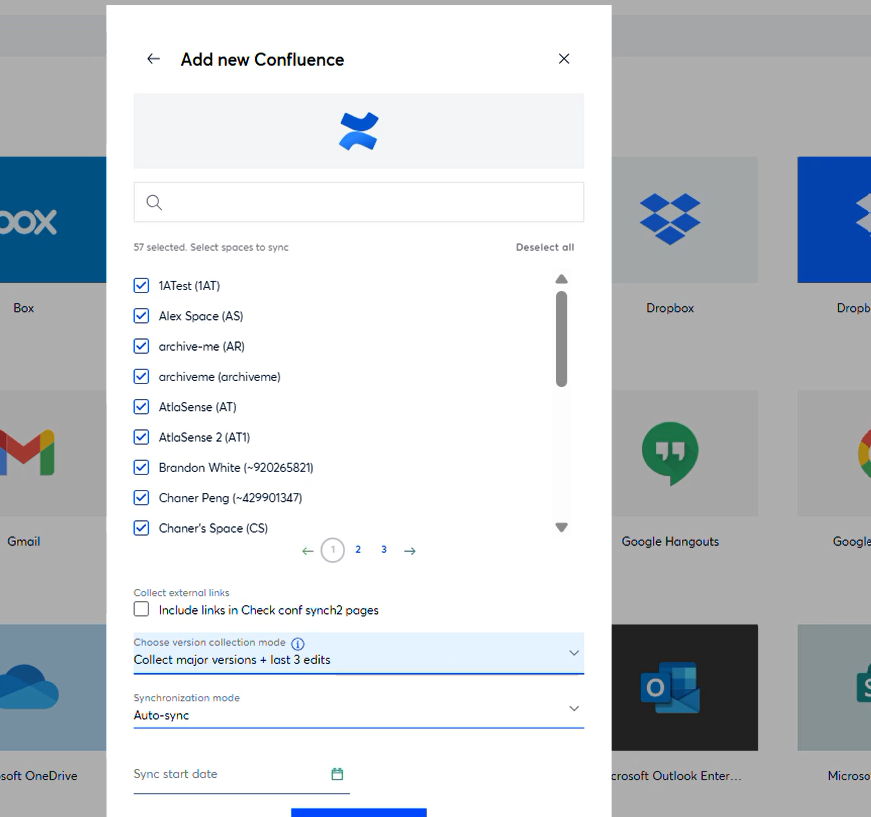
Added a new configuration option to the Confluence connector setup that allows users to choose whether to collect only the latest page version or multiple versions during sync. By default, the connector is set to “Collect only latest version” for performance optimization.
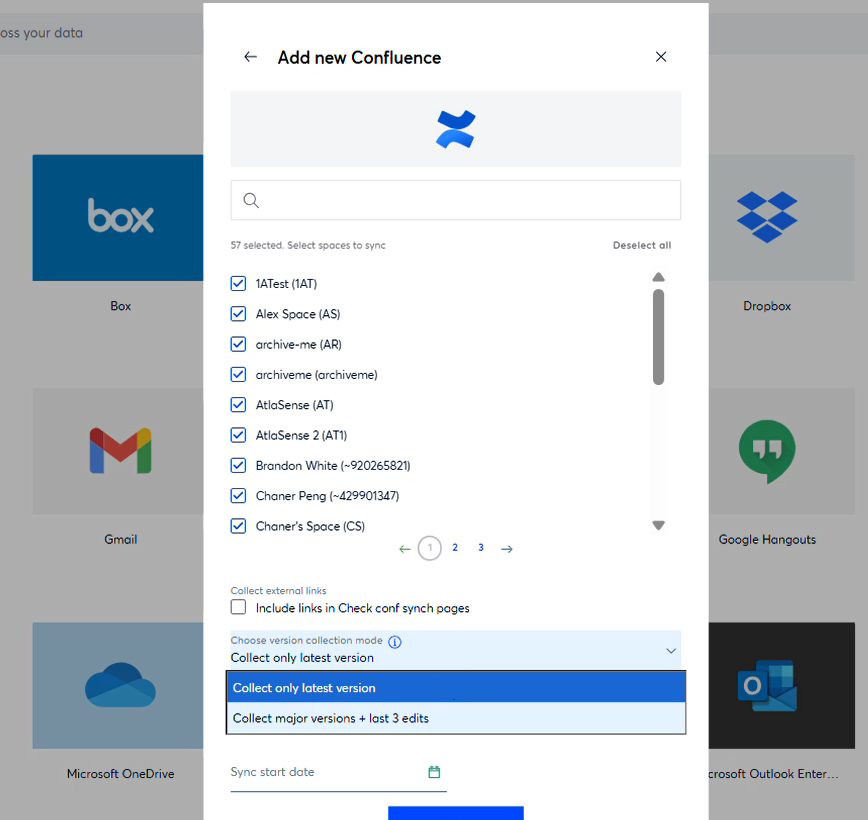
Users can alternatively select “Collect major versions + last 3 edits.” A tooltip explains that collecting multiple versions increases sync time and storage usage, and the selected option is now saved as part of the data source configuration.
In-App Help Center with Doc360 Knowledge Base
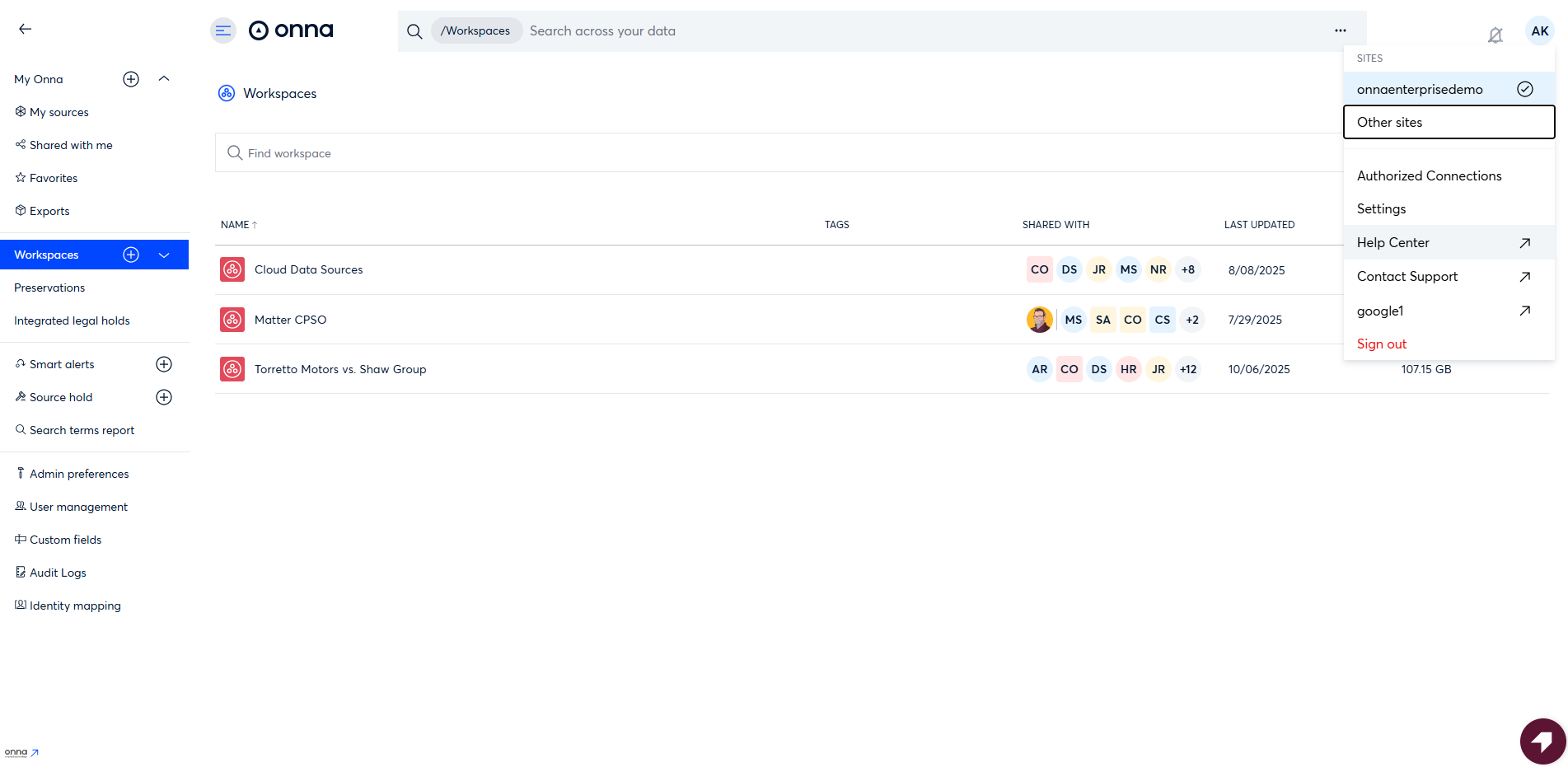
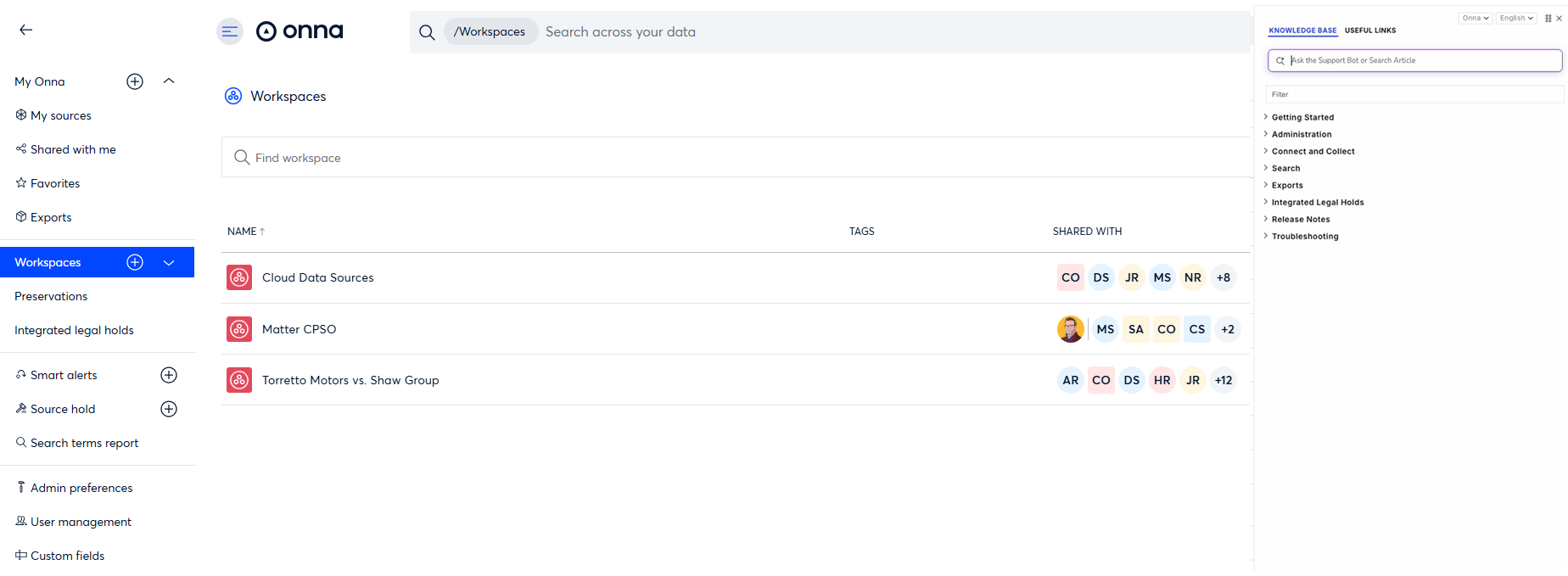
Users can now open the Help Center inside the application via a sliding panel powered by Doc360, eliminating page redirects and enabling faster access to Onna’s documentation and search without interrupting their workflow.
Release Detail
Issue Type | Category | Description |
|---|---|---|
New Feature | Connect & Collect | Added a new configuration option to the Confluence connector setup that allows users to choose whether to collect only the latest page version or multiple versions during sync. By default, the connector is set to “Collect only latest version” for performance optimization. Users can alternatively select “Collect major versions + last 3 edits.” A tooltip explains that collecting multiple versions increases sync time and storage usage, and the selected option is now saved as part of the data source configuration. 3318 (S25) |
New Feature | Getting Started | Implemented an in-app sliding panel for the Help Center that loads the Onna Doc360 knowledge base widget using the provided JavaScript snippet. The previous redirect behavior has been replaced with an embedded panel similar to Reveal’s implementation, allowing users to access help content without leaving the platform and improving overall workflow continuity. 3691(S26) |
Update Feature | Search | Increased the document preview size handling by keeping the default limit at 10MB while adding an environment variable to allow configuration of the limit. Added logging to capture when a file is skipped due to exceeding the size threshold. This change addresses rendering issues that caused malformed or incorrect PDFs to be generated when large files were processed. 3905(S26) |
Fixed Issues
Administration
3644 (S25) Fixed an issue where changing a user’s role (for example, from Member to Admin) generated duplicate and incorrect audit log entries. The system will now record only the correct role change event.
3811 (S25) Resolved an issue where Audit Logs failed to load and returned an error in the browser developer tools. Audit Logs data now loads correctly and displays as expected.
3711 (S25) Restricted access to the User Management page and related actions to only users with appropriate roles. Server-side permission validation is now enforced to prevent unauthorized access to protected resources and actions.
3812 (S25) Fixed an issue where admin users could not see Admin Preferences, Identity Mapping, and User Management features despite having the correct permissions. These features are now visible and accessible to authorized admins.
3821 (S25) Fixed an issue in the Add to Groups modal where the Cancel/Close option was missing after clicking Add. The modal now includes a Cancel/Close button, allowing users to exit without completing the action.
3900 (S26) Fixed an issue where newly created users assigned the Admin role were unable to sign in and received an incorrect “email or password is incorrect” error message. Admin users can now authenticate successfully.
Connect & Collect
3795 (S25) Fixed an issue with Microsoft Teams Enterprise data sources where renewing credentials failed. The renewal flow now completes successfully after domain entry and authorization, without triggering an error notification or exception.
3818 (S25) Resolved a configuration issue where two Zoom source options appeared in the environment due to a duplicate/outdated entry. The data source list has been cleaned up so only the correct Zoom option is shown.
3908 (S26) Resolved an issue where authorized connections for Microsoft Enterprise were not created when adding a new data source if no prior connection existed. Authorized connections are now successfully added during the data source creation flow and appear correctly on the Authorized Connections page.
3876 (S26) Fixed an issue where the Sync start date selected during the Basic Information step disappeared after navigating forward and returning to the step while creating a Slack Enterprise data source. The selected date is now persisted and remains visible unless modified by the user.
Exports
3553 (S25) Resolved a gap in Document Family exports by adding the BegDoc and BegAttach fields alongside the existing EndDoc and EndAttach fields. This enables full end-to-end reconstruction of document families and completes the metadata required for accurate family analysis.
3650 (S25) Resolved an issue where Slack transcript exports to native and PDF formats failed due to incorrectly generated PDFs and file size limitations. Erroneous PDFs were removed, valid documents were regenerated, and files exceeding the PDF size limit were excluded. Exports now complete successfully within supported constraints.