Items included in the March 2026 release.
Key Features Highlights
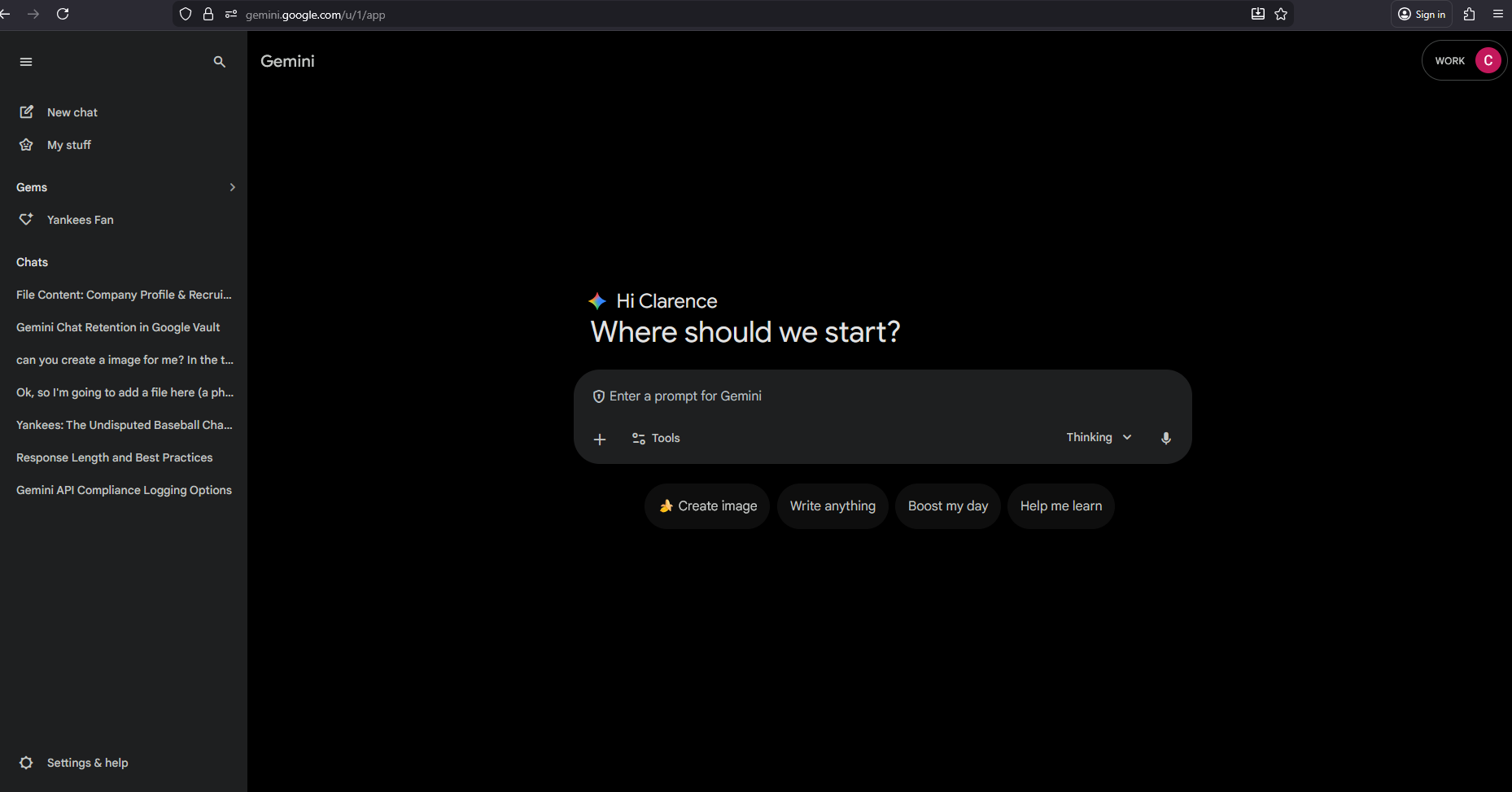
Google Gemini Connector
Onna can now ingest and surface Gemini-generated content—including user conversations and related artifacts—so organizations can search and discover AI-driven discussions alongside their other enterprise collaboration data. The connector retrieves content through Google Vault's search and export workflow: users define what to collect via Vault search criteria, Onna triggers an export, waits for Vault to complete it, then downloads and processes the resulting files. Once ingested, Gemini content is fully searchable within Onna, enabling users to find relevant prompts, responses, and conversation context during investigations, compliance, and eDiscovery workflows—without manually running Vault exports.
Feature Flag
This feature is included in this release but currently turned off by default. It will not appear in your environment unless it is manually enabled by Onna. Contact your Customer Success Manager is you’d like to learn more or request access.
Zoom AI Meeting Notes
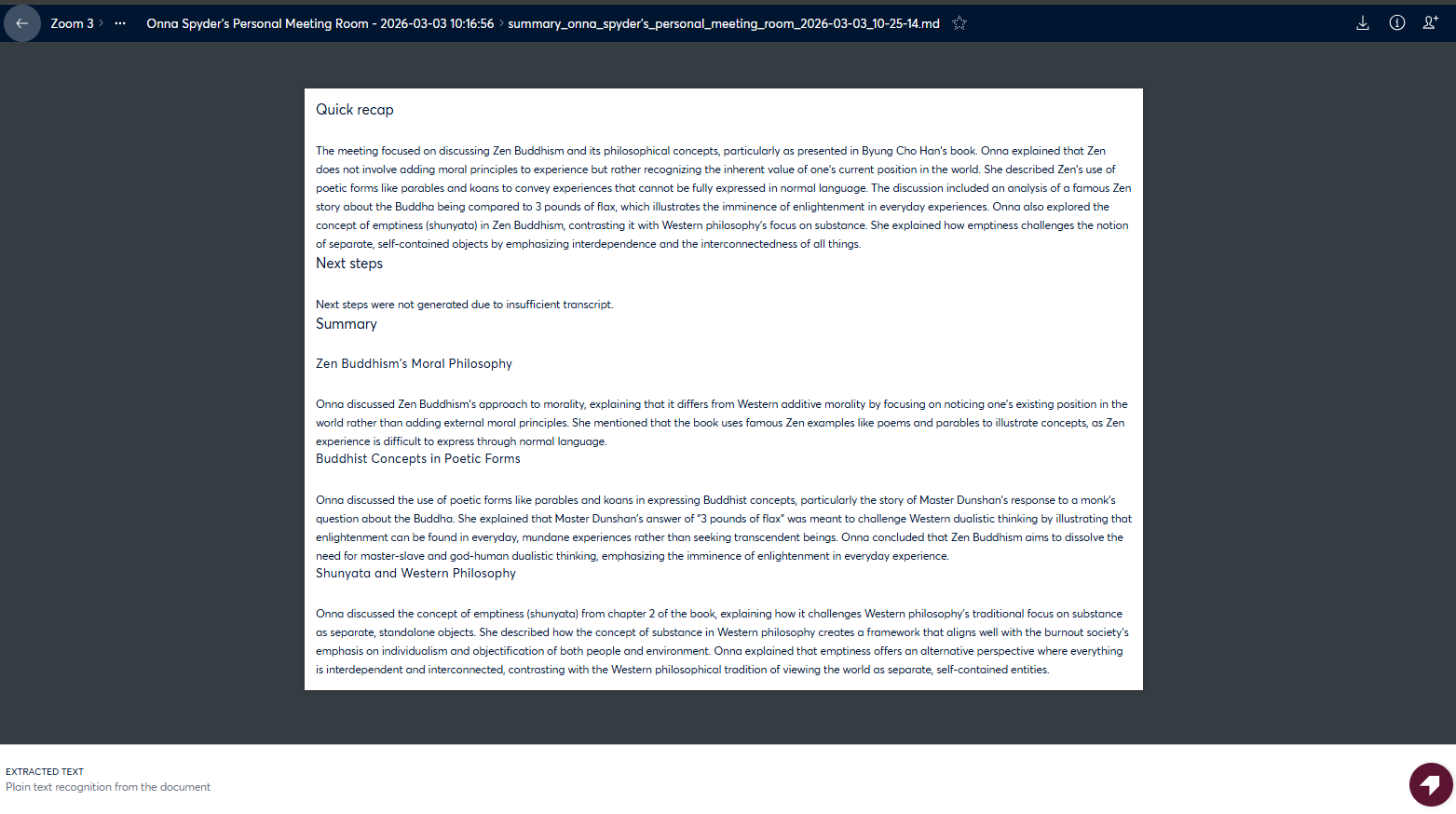
Onna can now ingest and surface AI-generated summaries of Zoom meetings, giving users a concise and searchable representation of meeting content. These summaries are produced by Zoom's AI Companion and collected as part of the Zoom data source.
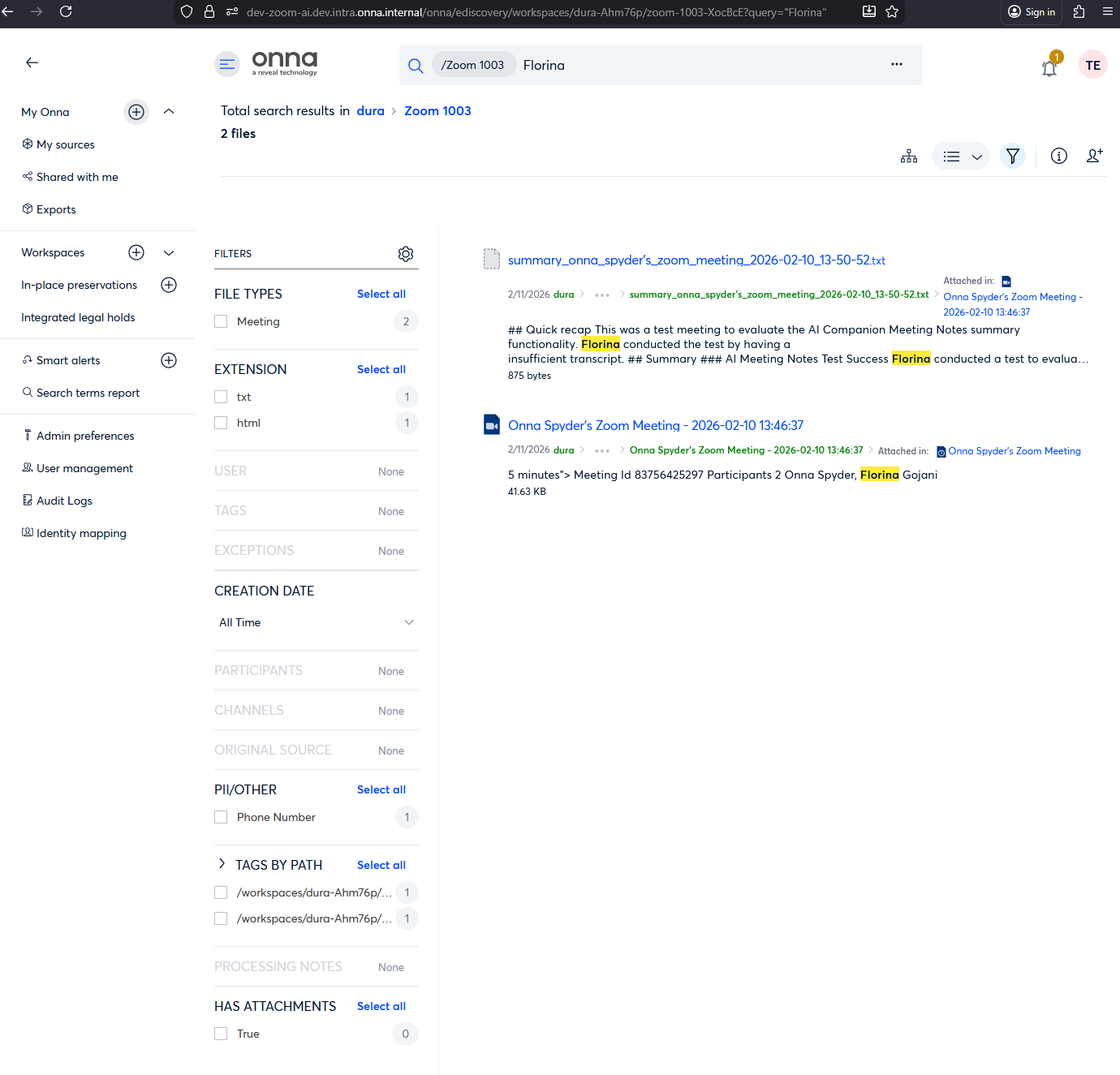
Once ingested, meeting notes become fully searchable within Onna—helping users quickly surface key points and next steps across their Zoom history without reviewing full recordings. The feature handles cases where summaries are unavailable in a transparent way and integrates naturally with existing Zoom meeting data.
Release Detail
Issue Type | Category | Description |
|---|---|---|
New Feature | Connect & Collect | Zoom data source now supports ingestion of AI-generated meeting summaries via Zoom's AI Companion. Summaries are collected alongside existing Zoom meeting data and made searchable within Onna. The connector handles missing summaries gracefully with no disruption to the overall collection flow. |
New Feature | Connect & Collect | New connector enables collection of Google Gemini content via Google Vault's asynchronous search and export model. Users define collection scope through Vault search criteria; Onna manages the export lifecycle and ingests the resulting files automatically. Content becomes searchable within Onna for eDiscovery, compliance, and investigation use cases. |
Updated Features | Administration | Enhanced the Preservation feature to support future-dated end dates when creating or modifying a preservation. Previously, users were limited to selecting only the current date as the end date, requiring manual intervention to complete a preservation at a later time. With this update, users can now select a future end date, and the system will automatically complete the preservation on the scheduled date — eliminating unnecessary manual steps and improving operational efficiency. Date validation has also been added to prevent selection of invalid dates (e.g., past dates or dates prior to the preservation start date). |
Fixed Issues
Administration
4134 (S4) Fixed an issue where the Add Developers modal expanded to the full page width when adding multiple developers under the Platform API → Developers page. The modal now maintains a fixed width and displays a scrollbar when the list of added developers exceeds the visible area.
Connect & Collect
4151 (S4) Fixed an issue where adding a Microsoft OneDrive data source did not display a selected value under Synchronization mode during the Configuration step. Although One-time sync was selected by default, the field appeared empty until the dropdown was opened. The default value now appears immediately when the configuration step loads.
4129 (S5) Fixed an issue where some child files were not processed correctly during uploads. Child files now upload reliably, and any issues are handled automatically to ensure proper processing.
4035 (S4) Resolved an issue where Outlook365 attachments without byte fields caused the application logger to capture and log the full content of the attachment in error messages. The system now prevents attachment content from being logged and instead records only the attachment title when the content cannot be captured.
4133 (S4) Fixed an issue where users were unable to access a data source shared with them from the Shared with me tab under My sources. Shared data sources can now be accessed correctly without triggering loading issues.
4191 (S5) Fixed an issue where opening and closing the Datasource Details Panel sometimes caused errors. The panel now works smoothly without any interruptions.
4178 (S5) Fixed an issue where a new data source could be created even after canceling the creation process. Now, canceling a data source setup ensures that no unwanted entries are created or visible in any other features.
4198 (S5) Resolved unexpected behavior where clicking the Authorized Connections field during Slack Enterprise Source Hold creation caused a blank page to appear upon canceling the flow. Canceling Source Hold creation now returns users to the expected state without error.
4135 (S5) Corrected an issue where sorting selections made within My Sources would incorrectly persist when navigating into a data source's results view. Sorting state is now reset appropriately on navigation.
Getting Started
3939 (S4) Resolved an issue where selecting the Notify users action in a Smart Alert did not send notifications to the specified users when the alert was triggered. Notifications are now correctly delivered within the platform to all users listed in the alert configuration.
Exports
4142 (S4) Investigated a report where Canvas child documents exported from the platform were appearing as .plain files and displayed as unreadable content when ingested into Relativity. Now Canvas and List documents sync and export with the correct file extensions, and exported files retain their proper format during RSMF generation and download.
Search
4183 (S5) Addressed a bug where editing an existing tag would incorrectly apply a blank tag instead of saving the updated value. Tags now edit as expected.