Preserving data in place means keeping the data in its original location—where it is actively used—instead of moving it to a separate archive or storage system.
Box Enterprise Preservation in Place Support
Reveal Hold supports preservation in-place for Box Enterprise.
Click on
 .
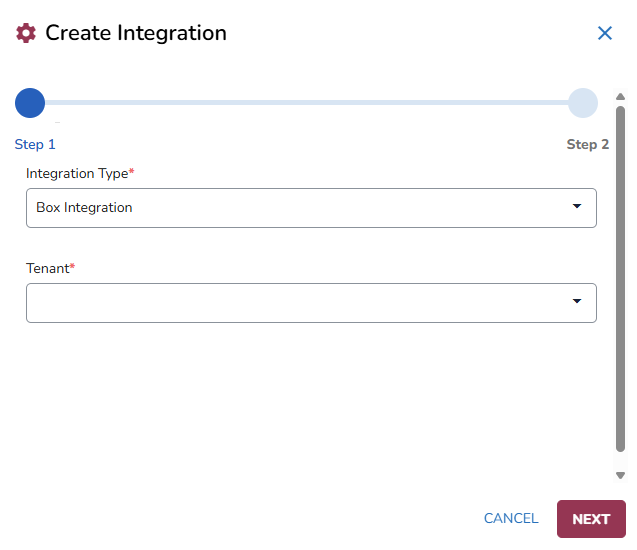
.Choose Box Integration in the Integration Type field and select your Tenant.
Click Next.
Authenticate the integration in the Box website.
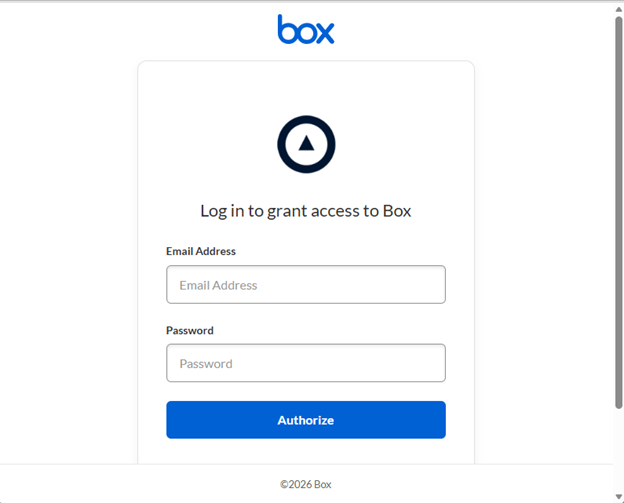
Sign in with the account that has sufficient privileges to preserve data in-place in your Box Enterprise subscription.
Important
To authorize a connection for Box Enterprise Preservation, you must use a Box Admin account or a Co-Admin account with the “Create, edit and delete policies for your company” permission enabled. For more information, refer to: https://support.box.com/hc/en-us/articles/360044192433-Legal-Hold-Permissions
Click Authorize.
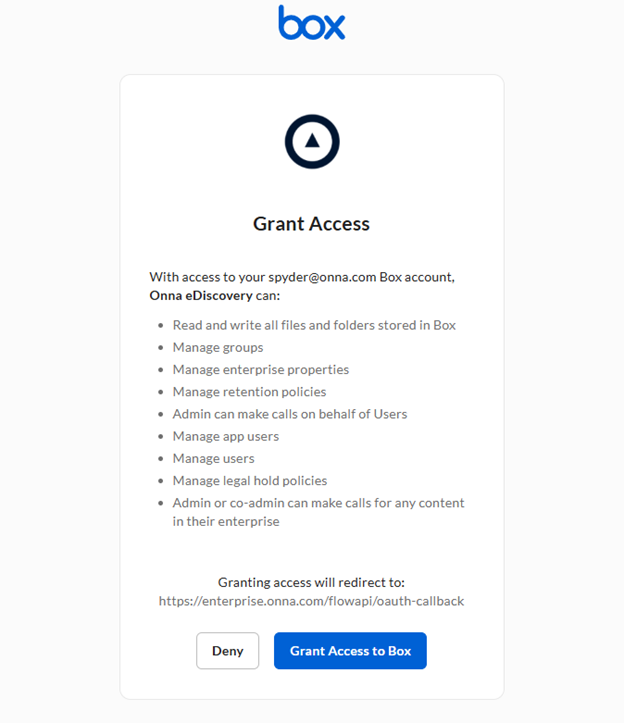
Click on Grant Access to Box.
Note
Reveal Hold is leveraging the Reveal Onna API platform hence the information on the Onna eDiscovery access rights.
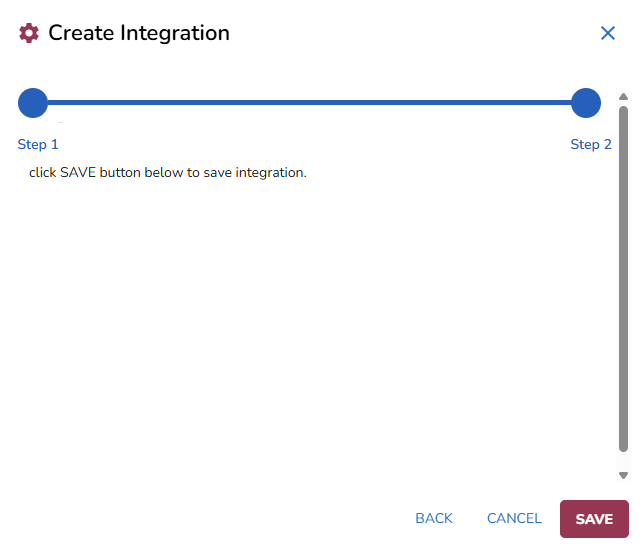
Once you have authenticated, you can close the window and return to the Create Integration modal.
Click Save to finalize the integration.
Once the connection is established, a test is being executed (creation and removal of an in-place hold) to check if the integration has sufficient privileges. Select the Refresh
 icon. The status will update from from Validating to Enabled.
Click the Show Validation Results
 button in the right of the integration to view the validation report with the test results.
 With the integration completed, you can now create Preservation Locations to determine which locations need to be preserved in the hold.