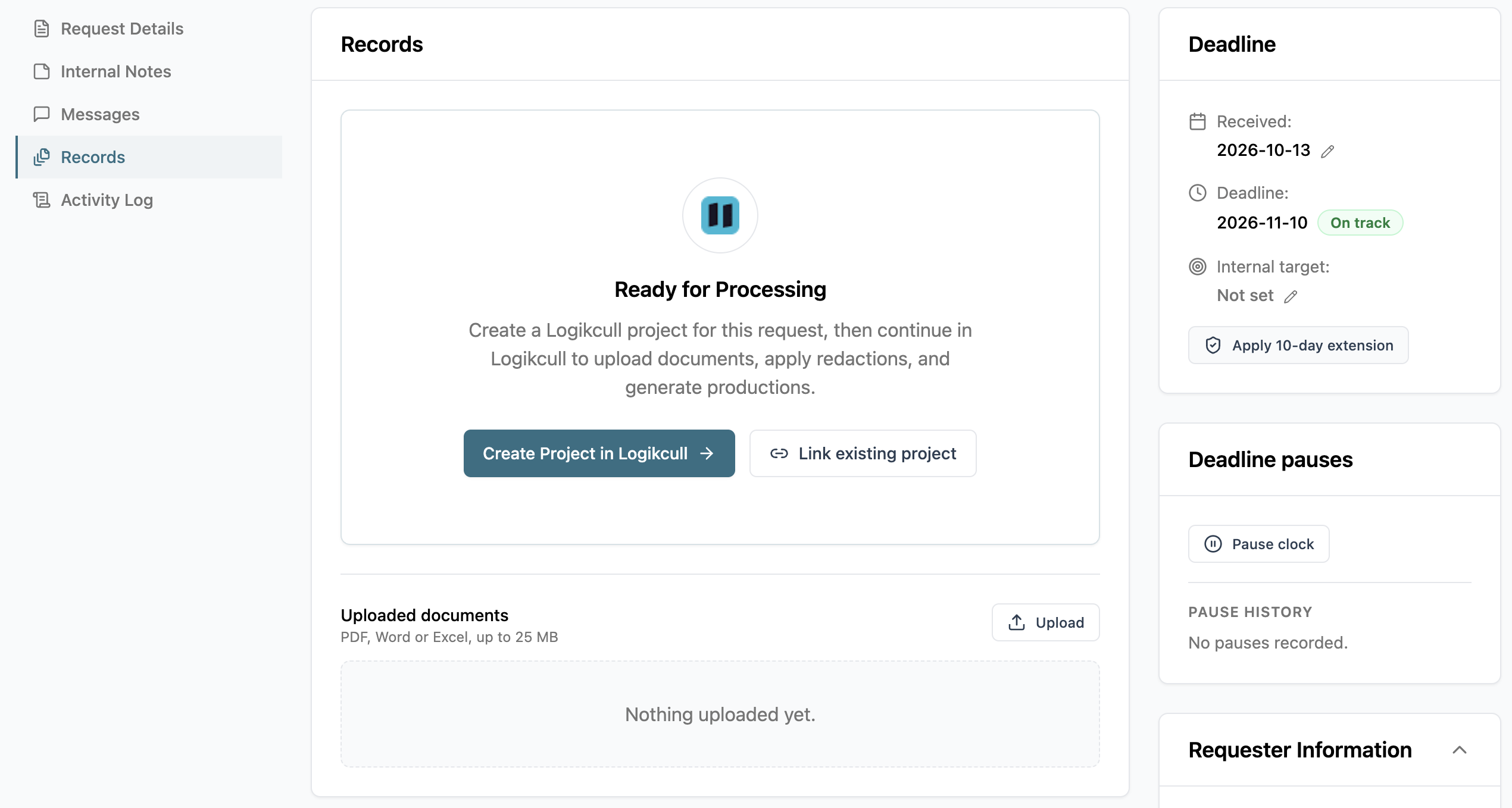
The  Records tab is where you gather the documents you'll release for a request. You can upload documents directly, or create a Logikcull project to collect, review, and redact documents first.
Do I need to use Logikcull to upload documents?
You can upload documents through a connected Logikcull project, or without Logikcull by searching your drive and uploading directly to the records tab.
Upload directly when you already have the release-ready files downloaded on your drive.
Use a Logikcull project when documents need to be processed, reviewed, or redacted before release. See Connect Logikcull Projects for more information.
Either way, uploading directly or through Logikcull will use the same approval and release steps.