To upload documents manually, without connecting to a Logikcull project…
Open the request and go to the
 Records tab.
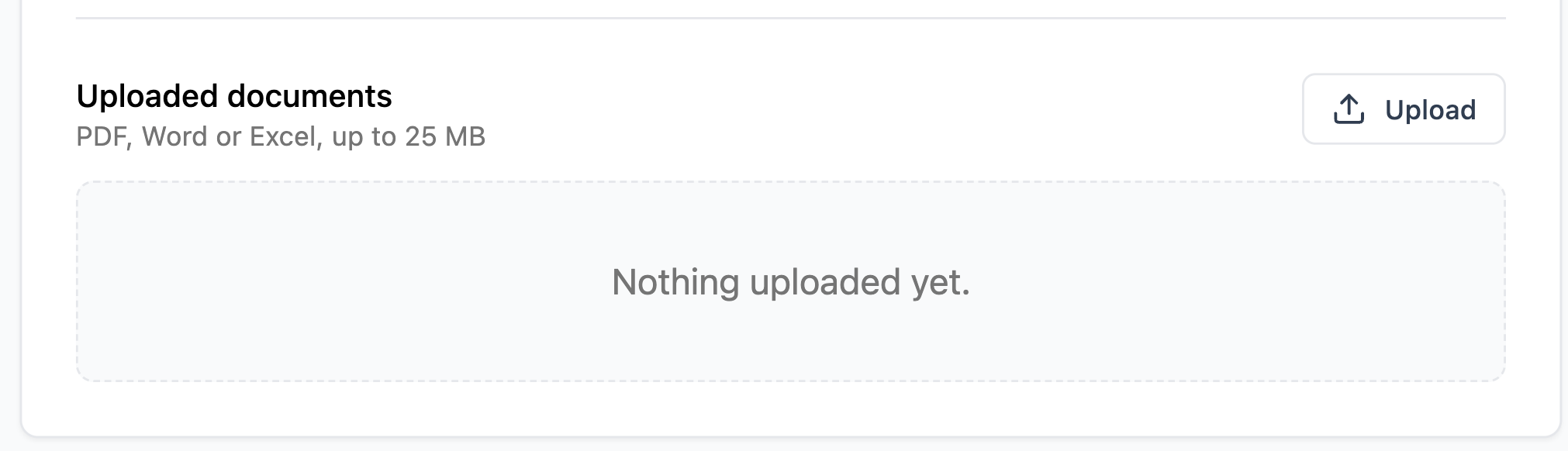
Click
 Upload.
Select which document you want to upload. You can only upload one file at a time, and you’re limited to the listed file types and size.
A newly uploaded document will automatically run through a security check and display a Checking file… status, before processing. Documents ready for release are marked Processed.
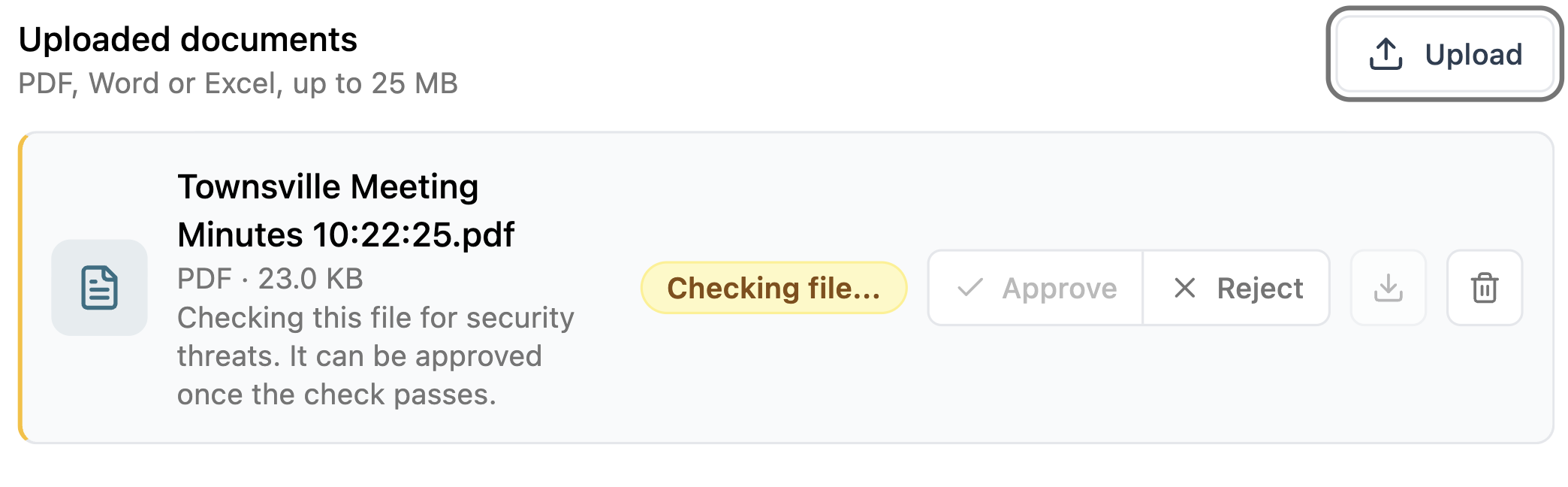
Documents that are in the middle of a security check or processing can still be deleted using the trash icon.