Assignees serve to mark a single point of contact for each of your project. This contact could be a manager who oversees users in the project, an individual delegated to making important decisions, or even a select user responsible for review quality control or production integrity.
.png)
Your projects can also be filtered by assignee using the Assignee dropdown, which is set to “all” by default.
Appoint a project assignee
You can appoint a project assignee from My Projects > [your project] >  Project Settings > Project Info (shown below), or directly from your project card.
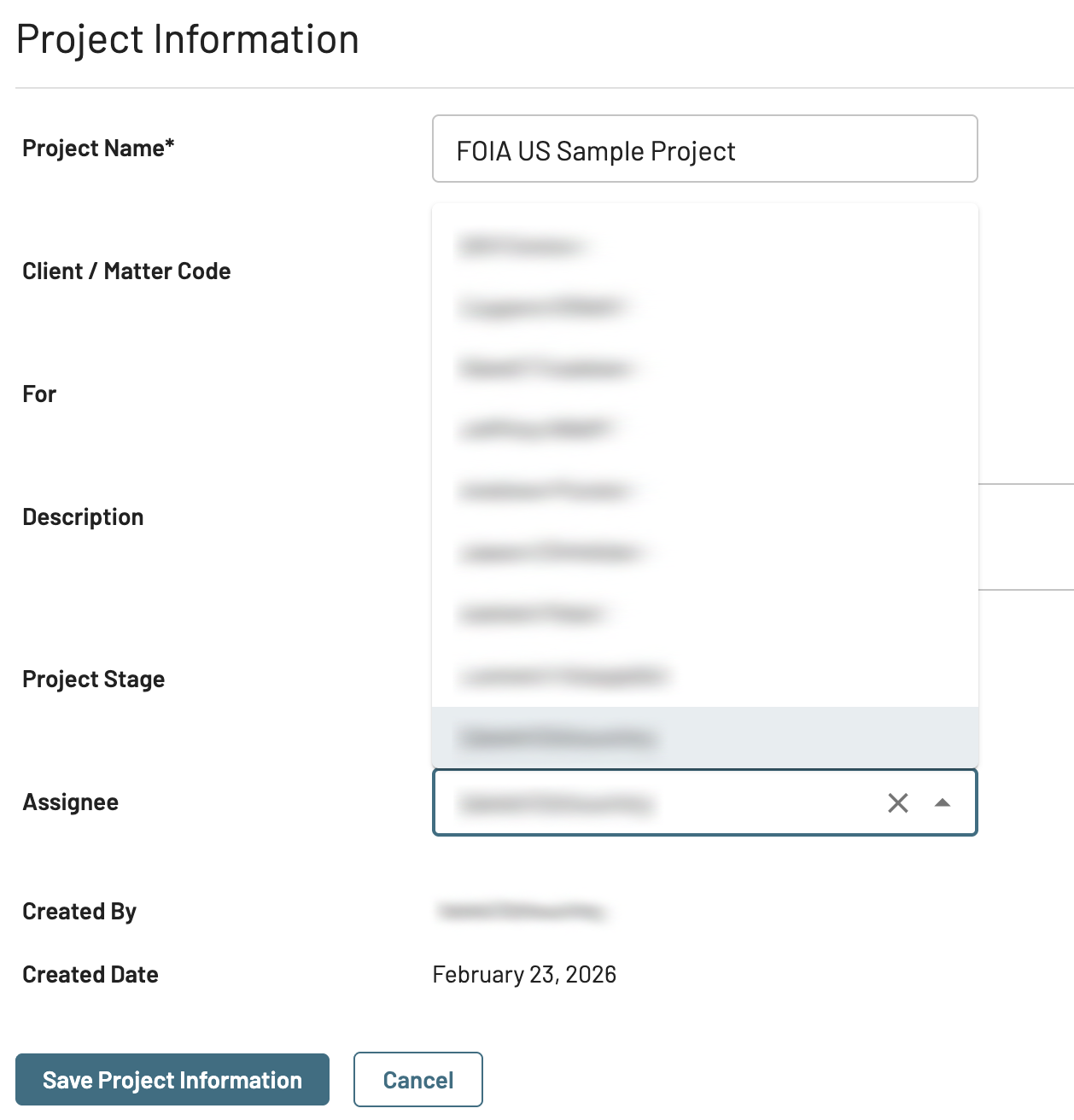
Click Edit Project Information.
In the Assignee dropdown, select a user.
Click Save Project Information.
Important
Users with the Upload Only access level cannot be a project assignee.