Ask window
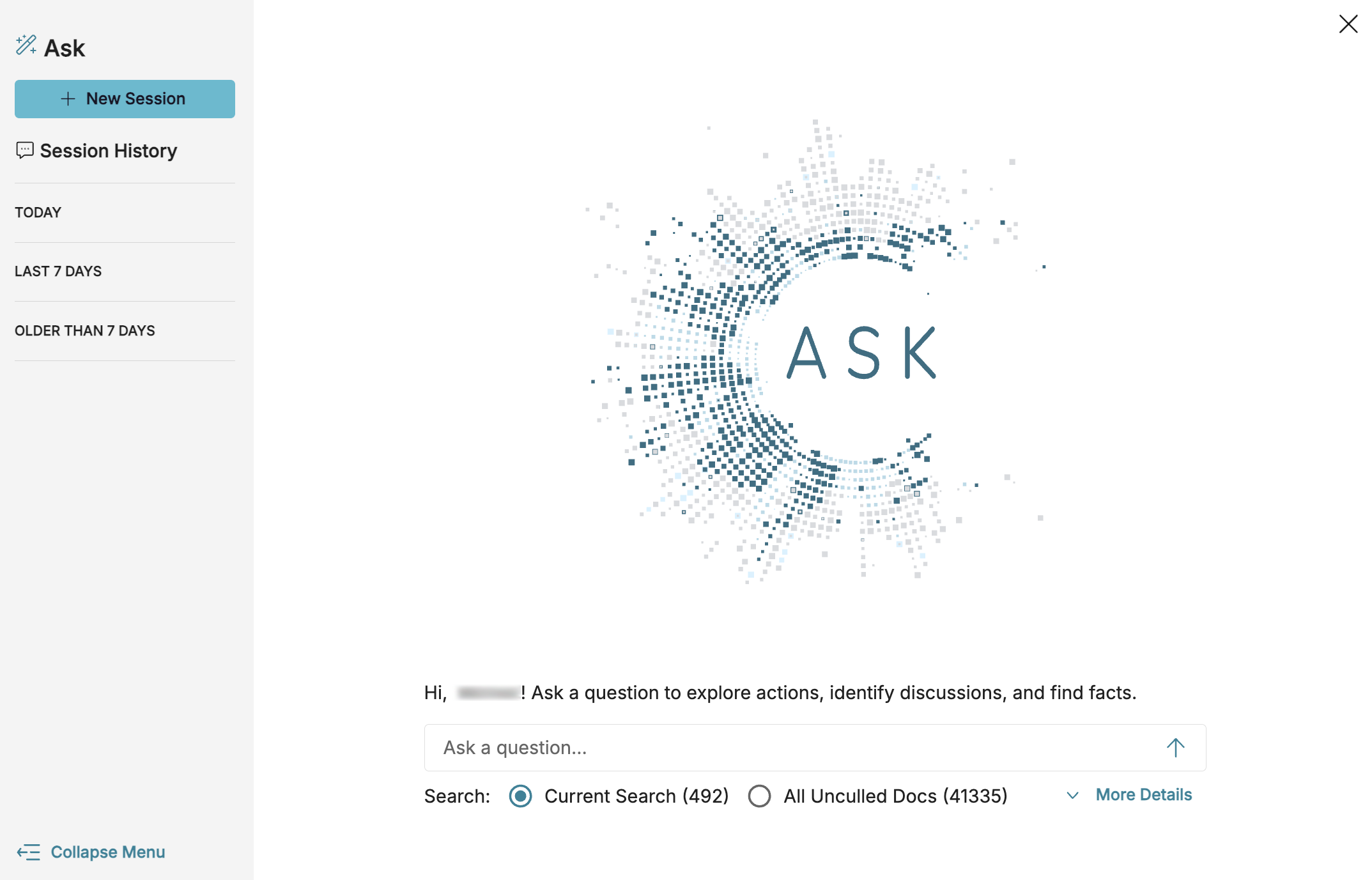
In the Search screen, open up the Ask window by pressing  Ask AI. The window can be freely moved around the screen so you can see the content behind it.
Ask index auto tag
Before running your first Ask query, make sure the data in your project is properly indexed using the Ask Indexed and Partial Ask Indexed auto tags.
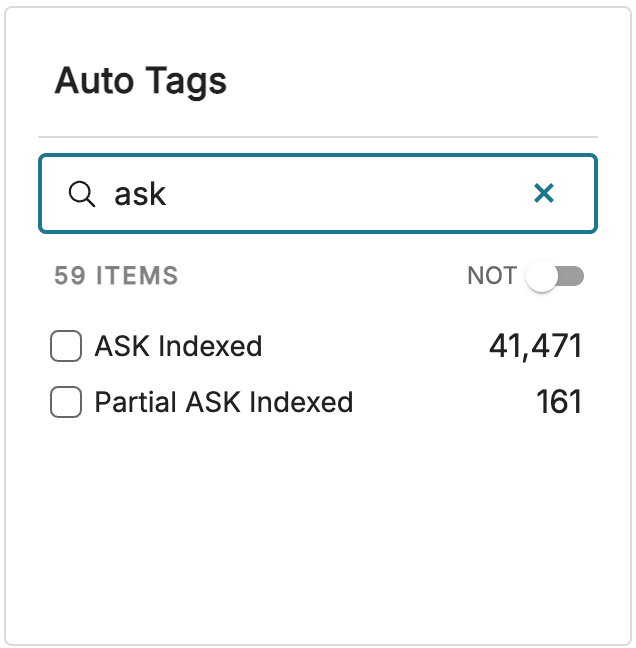
Ask Indexed: The document is indexed in its entirety and searchable using Ask queries.
Partial Ask Indexed: Ask has a limit of how much text is indexed for each document. If a document is longer than the limit (too big), then text is indexed only up to that limit, then receives the Partial Ask Indexed tag.
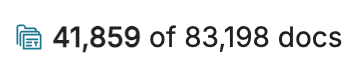
You can compare the number of documents represented in the above tags to your total document count (41,859 unculled and deduped documents) to see if the majority of your documents are searchable.
Set your scope
Ask allows you to define the range of documents it will search.
All Unculled Docs: This instructs Ask to analyze your full dataset. All Unculled Docs is the broadest option and ensures you don’t miss any potentially relevant materials.

Current Search: Ask limits results to a specific subset of documents, such as filtered search results, selected custodians, or communications within a time period. Think of this as your deep dive, giving you sharper answers and more relevant supporting documents. See Examples of narrowing your dataset for ideas.

For best results, we recommend defining a focused search range whenever your question references metadata (e.g., “emails from John Doe during September 2025”).
Examples of narrowing your dataset
If you want to ask questions using Current Search, narrow your dataset before opening Ask. Below are three common ways of focusing your search.
By metadata and time frame
Example: Limit queries to email communications between specific people or during certain dates.
How: Use metadata fields like
Email From,Email To,Email Subject, andEmail Date Sentor filter by file extension and date ranges in the Dashboard.
By keyword list
Example: Search only documents containing terms from a curated list.
How: Create a term list search to add up to 1,000 terms (words, Boolean expressions, or field-specific queries). Preview document counts, adjust as needed, and run the list to generate a focused dataset.
By custodian
Example: Focus only on documents belonging to a particular custodian.
How: Apply a custodian filter via the Custodian chart or directly through search.