Overview of Key Features
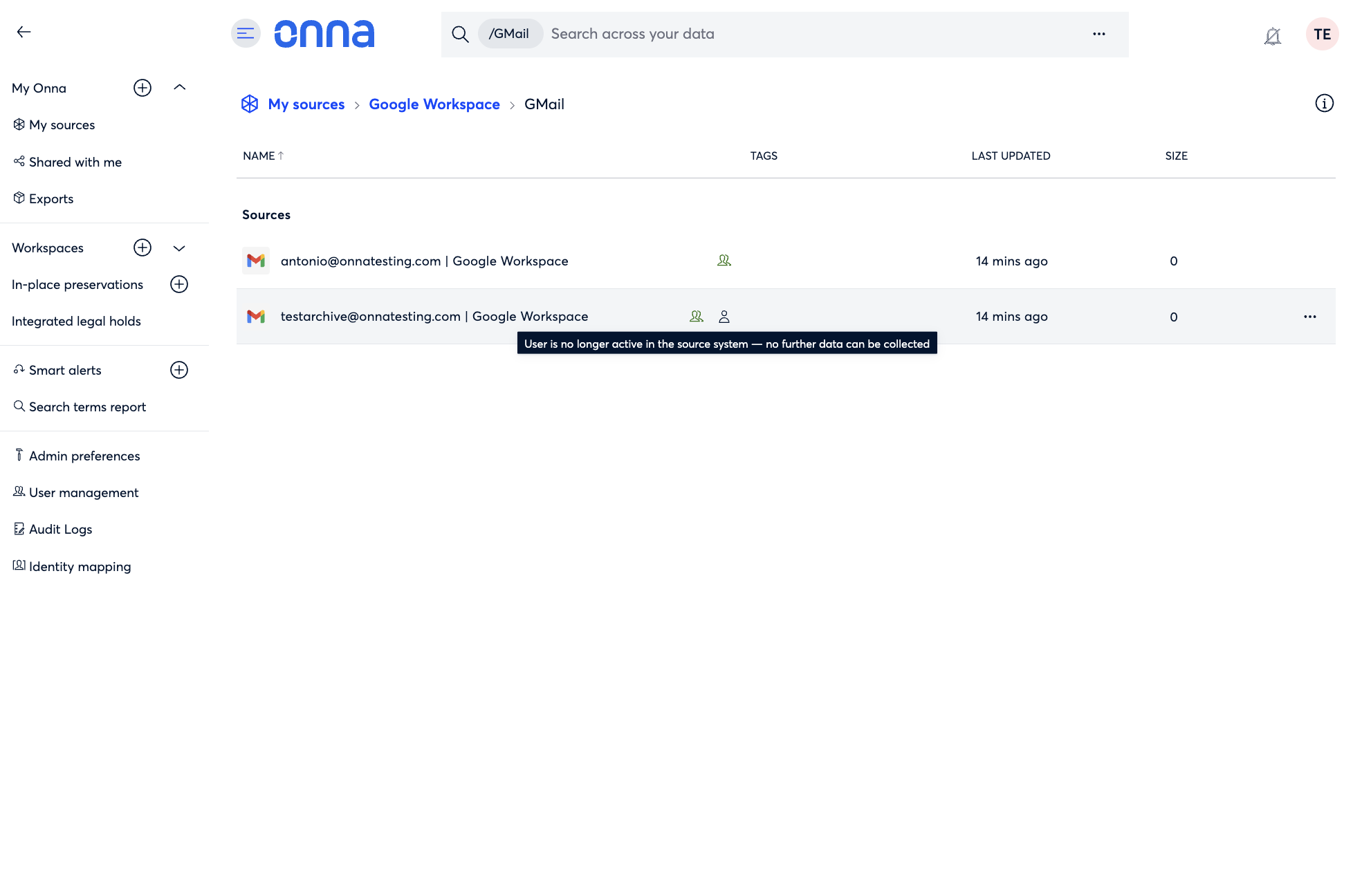
Google Workspace Inactive User Status
When a Google Workspace user is deleted or suspended, their connected data sources in Onna now display an inactive user status. Previously, collection would silently stop with no indication in the platform of why the data source appeared idle.
Outlook Enterprise Group Selection
Note
This feature is available on request — contact your CSM to enable it.
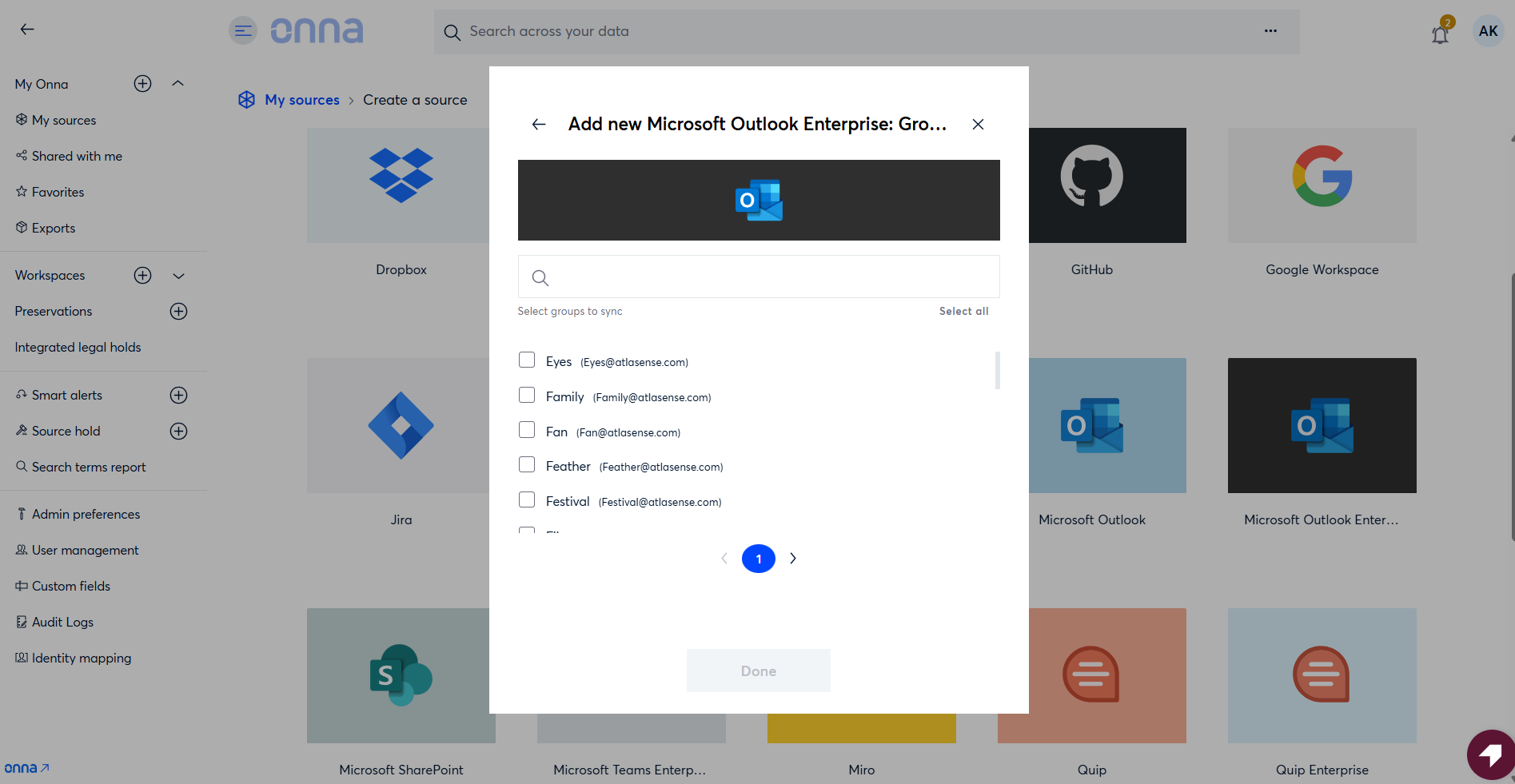
The Outlook Enterprise data source creation flow now includes a group selection screen, allowing collections to be scoped to specific groups.
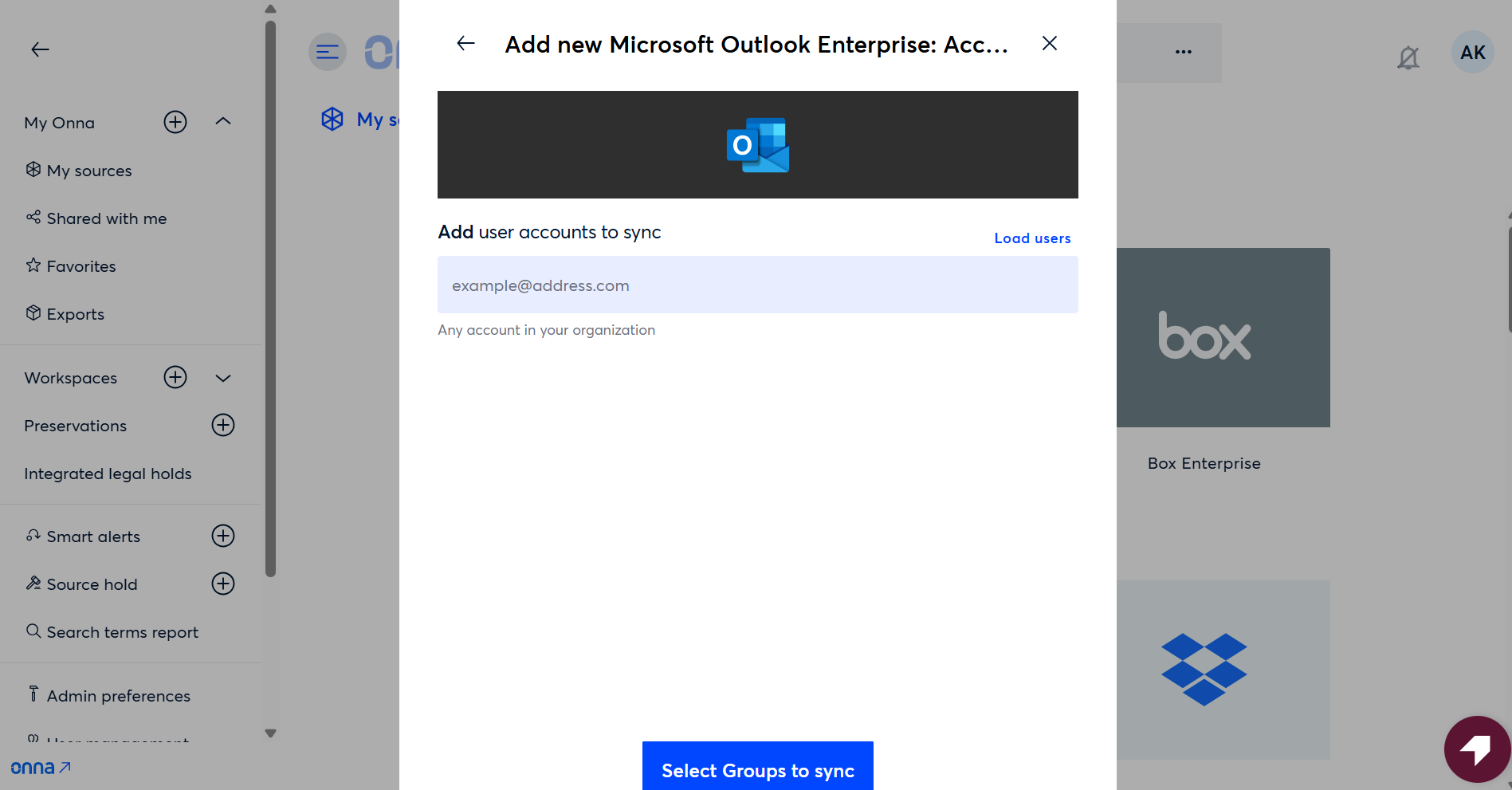
After selecting a group, the user list is automatically populated based on group membership.
Sync Status Improvements
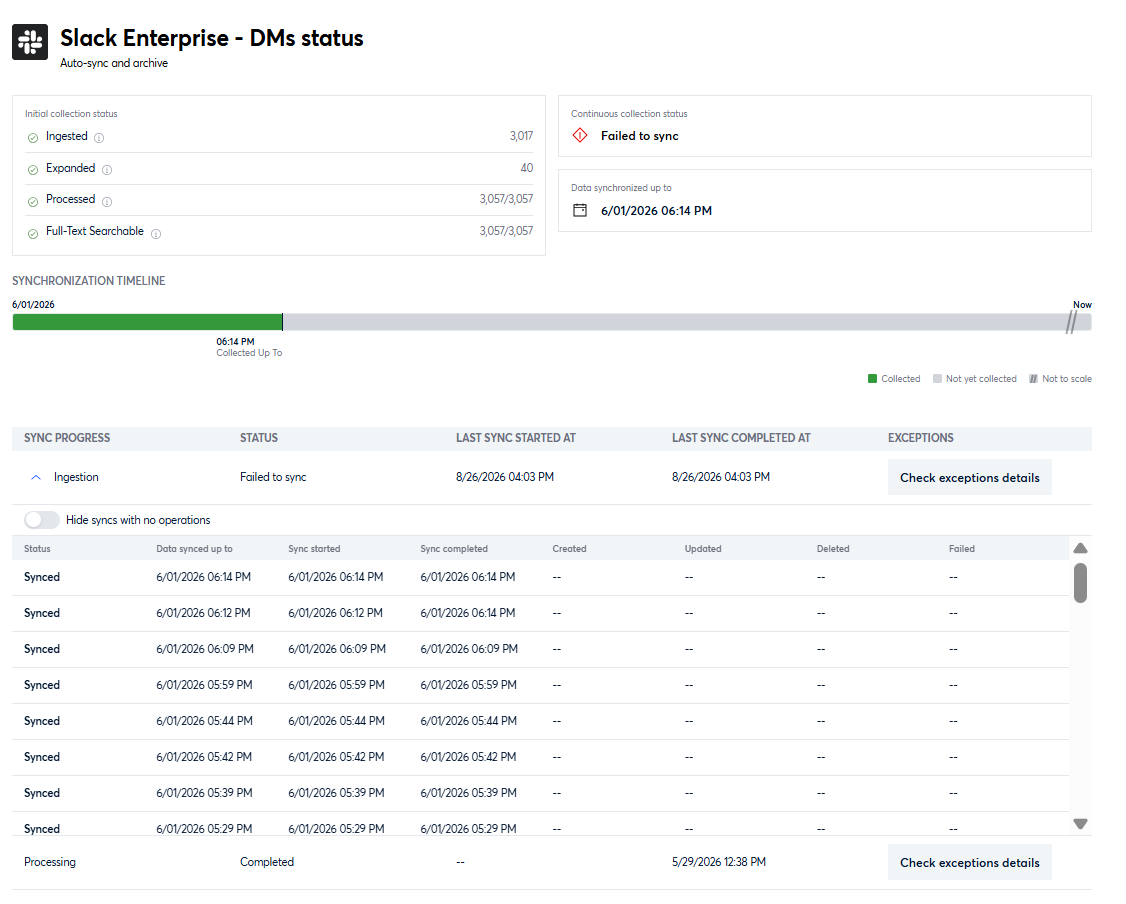
Data sources that previously showed no information on the Sync Status screen now display a clear view of their timeline, sync history, and the date data was last synced, giving you a complete picture of your collection activity regardless of when the data source was created.
Release Details Table
Outlines additional features, updates, and fixes. Use the filters in the Release Notes header to narrow results by Internal Reference ID, Type, Category, and Description.
Internal Reference ID | Type | Category | Description |
|---|---|---|---|
ONNA-5162 | Update | Connect & Collect | When adding a Slack Enterprise channel source, if the setup process times out, Onna now displays a clear timeout error message instead of stopping silently. Previously, users had no indication that the process had failed. |
ONNA-5157 | Fix | Connect & Collect | Resolved an issue with the feature-flagged Outlook Enterprise group collection option where selecting a group during setup collected mailboxes for the entire tenant instead of restricting collection to the selected group's members. Collection is now correctly scoped to the selected group. |
ONNA-5153 | Fix | Search | Fixed an issue where a slower response from a previous search query could overwrite the results of a more recent one, causing the displayed count and result set to reflect the wrong query. Search results now always reflect the most recently submitted query. |
ONNA-5317 | Fix | Search | Resolved several issues in Search in Place Reports: navigating away from the Add Terms page with unsaved changes now prompts a confirmation dialog before discarding edits, reloading the detail page for an actively running report now shows the current status instead of a stale "Not yet run" state per-term hit counts and channel counts now update progressively as each term completes while a report is running, rather than waiting until the entire run finishes. |
ONNA-4926 | Fix | Connect & Collect | Fixed an issue where Google Cloud Storage data sources showed zero values across all Initial Collection Status statistics on the Status Details page after a sync completed. Statistics now update correctly, consistent with other connectors. |
ONNA-5316 | Fix | Connect & Collect | Resolved an issue in Workspaces where navigating back to a parent folder using browser Back/Forward controls would display results from the previously visited location. The correct folder contents now display immediately without requiring a page refresh. |