Overview of Key Features
Scalable Source Hold Management
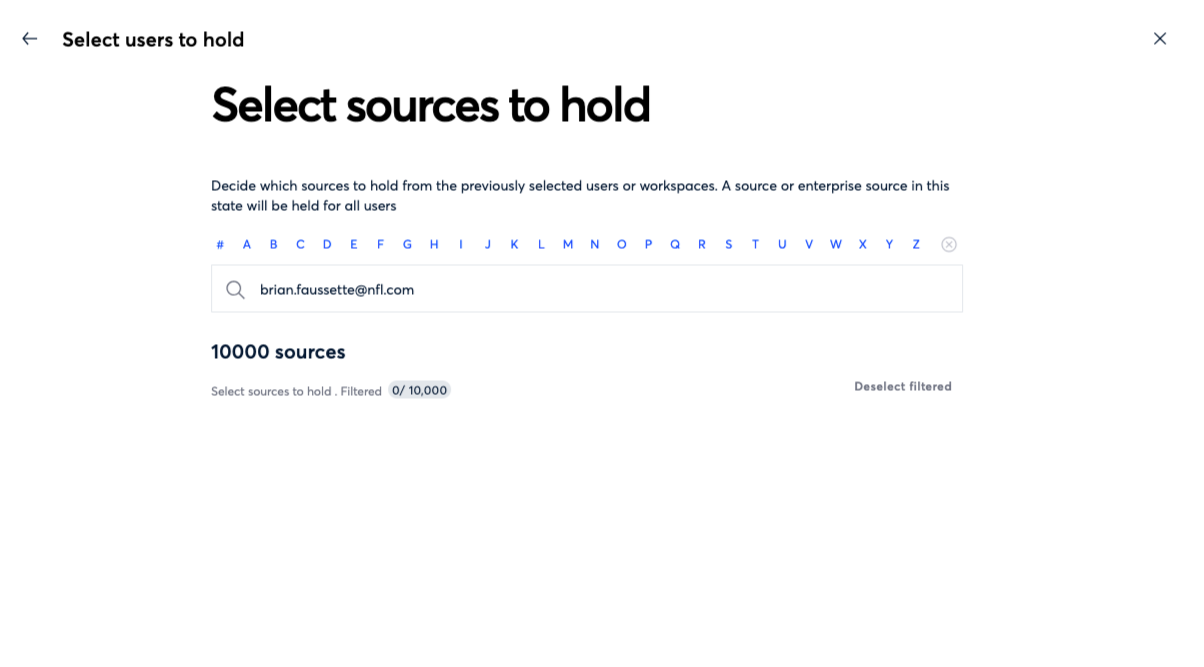
Placing accounts on Source Hold no longer requires Support intervention regardless of mailbox volume. You can now search, select, and apply Source Holds across any number of accounts directly in the platform. Source Hold limits have also been permanently increased, eliminating the need to request temporary increases for large or ongoing legal hold programs.
Confluence Cloud Link Collection
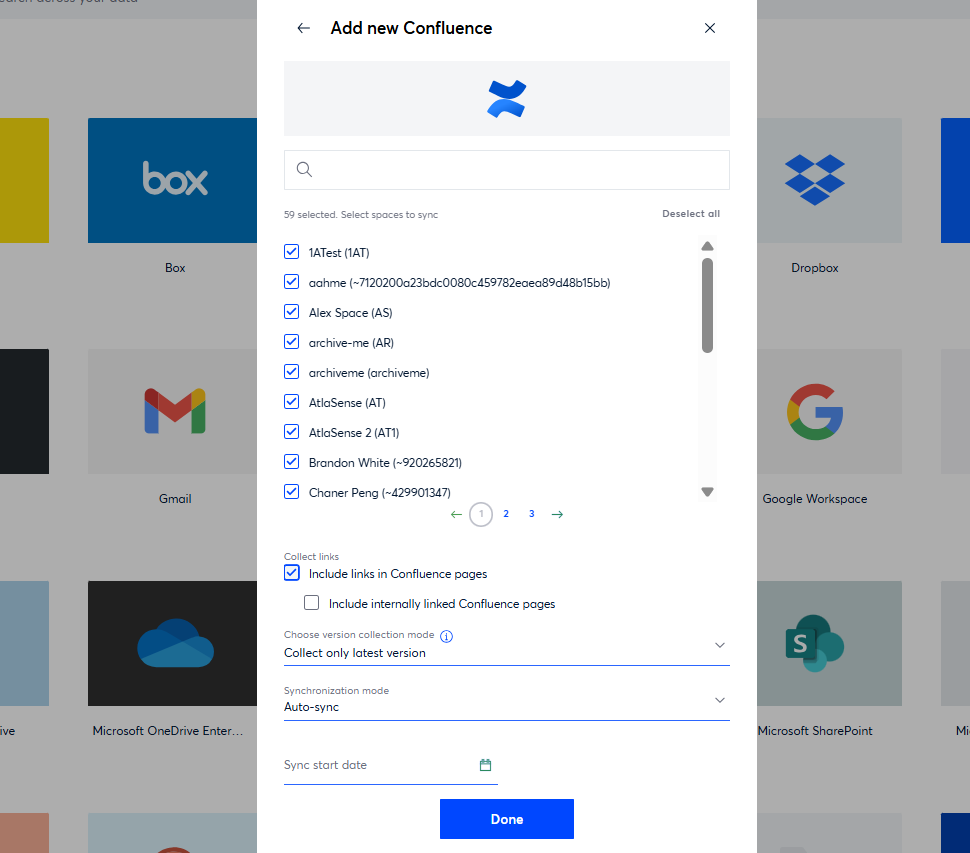
Confluence Cloud data sources with link collection enabled were incorrectly following internal Confluence page links, producing content that could not be displayed in the Onna user interface, inflating storage, and introducing irrelevant navigation and sidebar text into search results. This has been resolved — internal Confluence links are now handled correctly and no longer generate unrenderable or duplicate resources. This fix applies to all Confluence Cloud data sources with link collection enabled.
Box Folder Picker Now Shows Folder Sizes
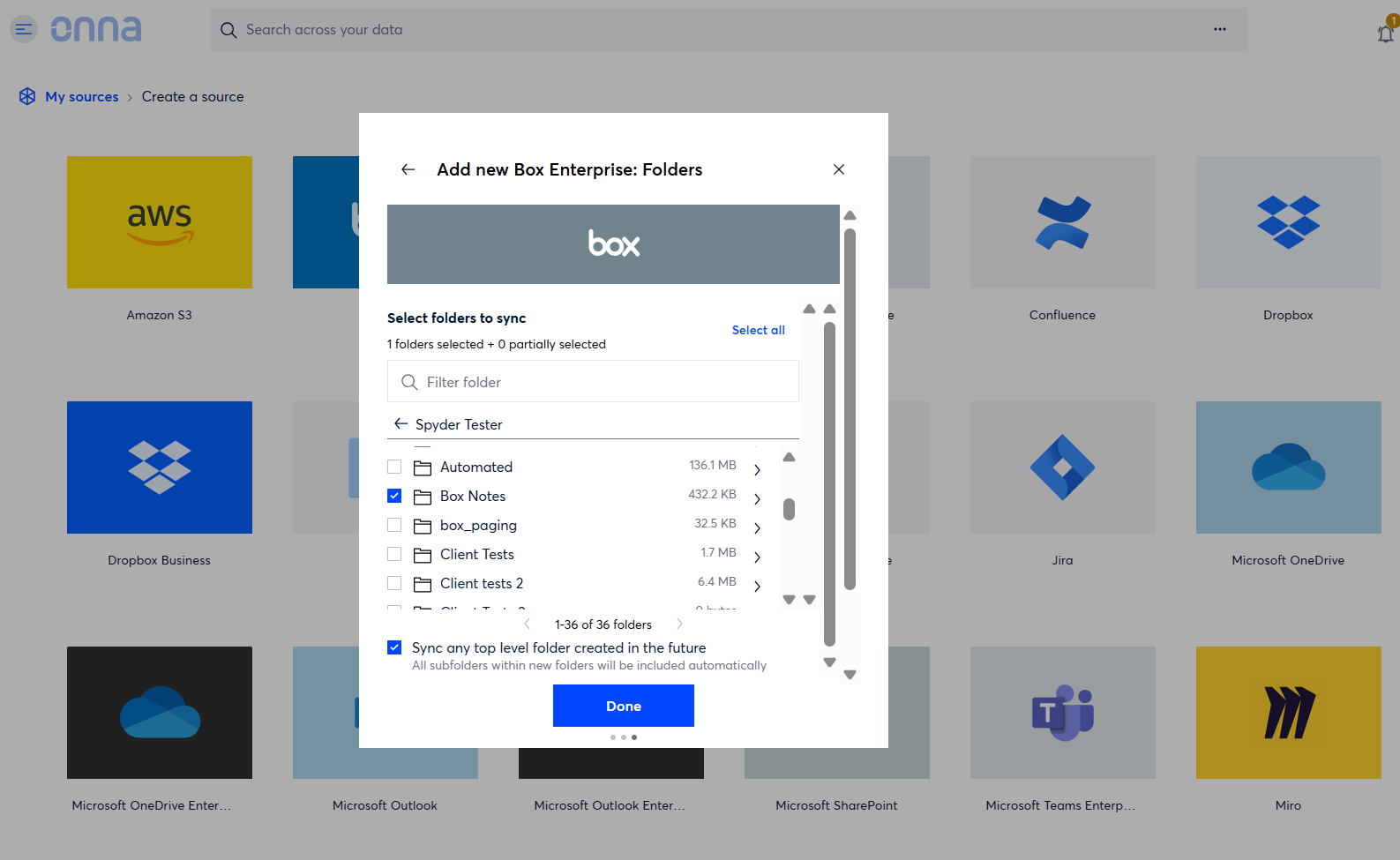
The Box and Box Enterprise folder pickers now display the size of each folder in a human-readable format (for example, 1.4 GB), so users can gauge sync volume before making your selection. This is useful for larger, enterprise-scale folder structures where understanding data volume before collection is essential.
Google Gemini Improvements
Two updates have been made to how Gemini data is organized within a Google Workspace data source. First, the data source created for Gemini collection is now named "Gemini Datasource" instead of inheriting the name of the workspace admin or account holder, which was misleading. Second, Gemini content is now organized into individual custodian folders within the Gemini data source, bringing it in line with how other AI connectors (such as ChatGPT and Claude) organize collected content.
Release Details Table
Outlines additional features, updates, and fixes. Use the filters in the Release Notes header to narrow results by Internal Reference ID, Type, Category, and Description.
Internal Reference ID | Type | Category | Description |
|---|---|---|---|
ONNA-4816 | Update | Administration | Source Hold management now supports bulk account selection in the platform, allowing holds to be applied across any number of accounts without Support assistance. Limits have been permanently increased for organizations with ongoing high-volume legal hold needs. |
ONNA-4902 | Update | Connect & Collect | The Box connector folder picker now displays each folder's size in a human-readable format during data source setup, allowing users to gauge sync volume before confirming their selection. |
ONNA-5076 | Update | Connect & Collect | The data source created for Gemini collection within a Google Workspace is now named "Gemini Datasource" instead of inheriting the workspace admin's name, which previously gave a misleading impression of the data source's scope. |
ONNA-5077 | Update | Connect & Collect | Gemini content is now organized into individual custodian folders within the Gemini data source, consistent with how ChatGPT and Claude data sources structure collected content. |
ONNA-4674 | Update | Getting Started | Onna now displays a session-expired notification when a browser session becomes stale, replacing the previous behavior of silently redirecting users to the login page. |
ONNA-4913 | Fix | Administration | Fixed an issue on the Source Hold configuration screen where the selected custodians counter displayed incorrect or negative values when custodians were selected or deselected. The counter now accurately reflects the number of custodians currently selected. |
ONNA-4896 | Fix | Connect & Collect | Resolved an issue where switching to the Processing tab after opening the Audits page from a data source's Origin Details view would fail to load and generate a network error. Processing logs now load correctly alongside collection logs. |
ONNA-4952 | Fix | Connect & Collect | Resolved an issue where creating a Confluence data source failed with an "Invalid Username or Token" error even when a valid Atlassian API token was provided. Confluence data sources can now be created and authenticated successfully. |
ONNA-4664 | Fix | Connect & Collect | Resolved an issue affecting Confluence Cloud data sources with link collection enabled, where internal Confluence page links were being followed and collected incorrectly. Internal Confluence links are now handled correctly and no longer generate unrenderable or duplicate resources. |
ONNA-4275 | Fix | Connect & Collect | Resolved an issue where files with no text content were incorrectly flagged as "Completed with Exception" on the sync status screen. Empty files no longer trigger a false exception status. |
ONNA-5126 | Fix | Connect & Collect | Fixed an issue where creating a workspace caused a folder with the same name to appear under My Sources. The folder did not belong to the workspace and would reappear after being deleted. Workspaces no longer generate unintended folders in My Sources. |
ONNA-4931 | Fix | Export | Fixed an issue where a Miro export job remained stuck in "In Progress" status after collection had completed, with no visible movement in export size or progress. Miro export jobs now complete and update their status as expected. |
ONNA-4948 | Fix | Export | Resolved an issue where deleted exports remained visible in the UI displaying an invalid date. Exports belonging to deleted users were also incorrectly surfaced to other users. Exports now clear from the UI correctly after deletion. |
ONNA-5078 | Fix | Integrated Legal Holds | Resolved an issue where editing an existing legal hold reminder notice caused the custodian greeting to appear twice at the start of the message. All subsequent reminders sent from that notice, including automated ones, carried the duplicated greeting. Notices now display the greeting correctly after editing. |