
In this article:
Google Gemini Overview
Google Gemini Requirements
How to Connect and Collect using Google Gemini
What Gets Collected
Google Gemini Considerations & Limitations
Google Gemini Overview
Onna's Google Gemini connector allows you to collect and preserve AI conversation data generated by Google Gemini within your organization's Google Workspace environment. Because Google does not provide a direct API for Gemini content, Onna retrieves this data through the Google Vault eDiscovery API — the same compliance infrastructure used to preserve and export Google Workspace content.
Once collected, Gemini conversations become searchable within Onna, giving your team visibility into AI-assisted interactions across your organization for eDiscovery, compliance, and investigation purposes.
Connector Features | |
|---|---|
Authorized Connection Required? Yes | Is identity mapping supported? No |
Audit logs available? Yes | Admin Access? Yes |
Supports a full archive? Yes | Custodian based collections? Yes |
Sync modes supported: One-time sync, Auto-sync, Auto-sync and archive | Is file versioning supported? No |
Google Gemini Requirements
To connect and collect Google Gemini data in Onna, the following must be in place:
Google Workspace account with Google Vault enabled
Google Gemini for Workspace enabled for your organization
A Google Vault admin account with permissions to create and manage exports
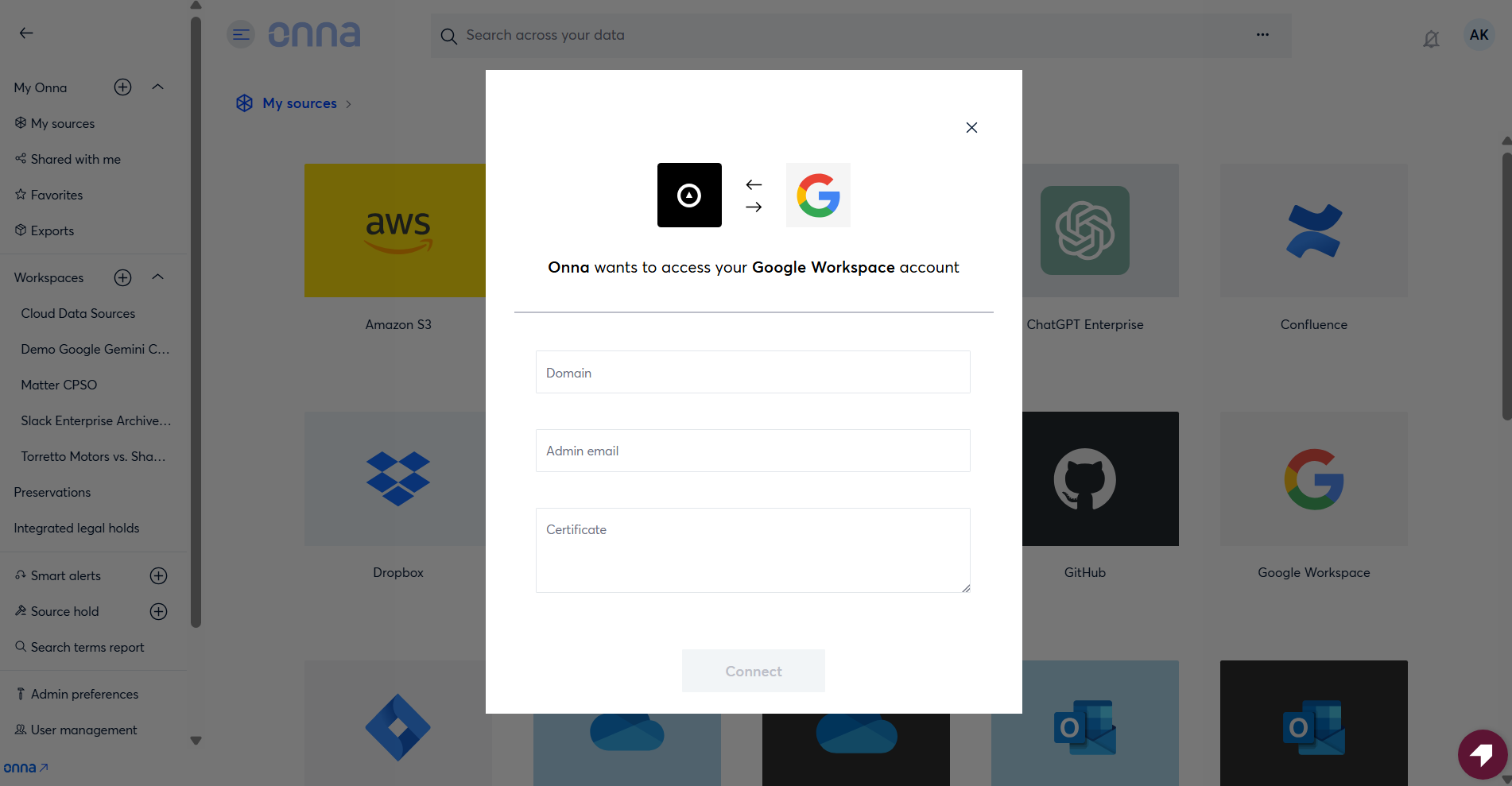
An authorized connection configured in Onna using a service account with the appropriate Google Vault scopes.
Note
Since Gemini content is retrieved through Google Vault, your organization's Vault retention rules and hold policies apply to what can be collected. Content not covered by a Vault retention policy may not be available for export.
How to Connect and Collect using Google Gemini
Once you have the authorized connection credentials necessary you can set up a new sync by following the steps below:
Step 1 - Add Source
Navigate to the workspace where you want to set up your sync. Click the + icon or select Add source.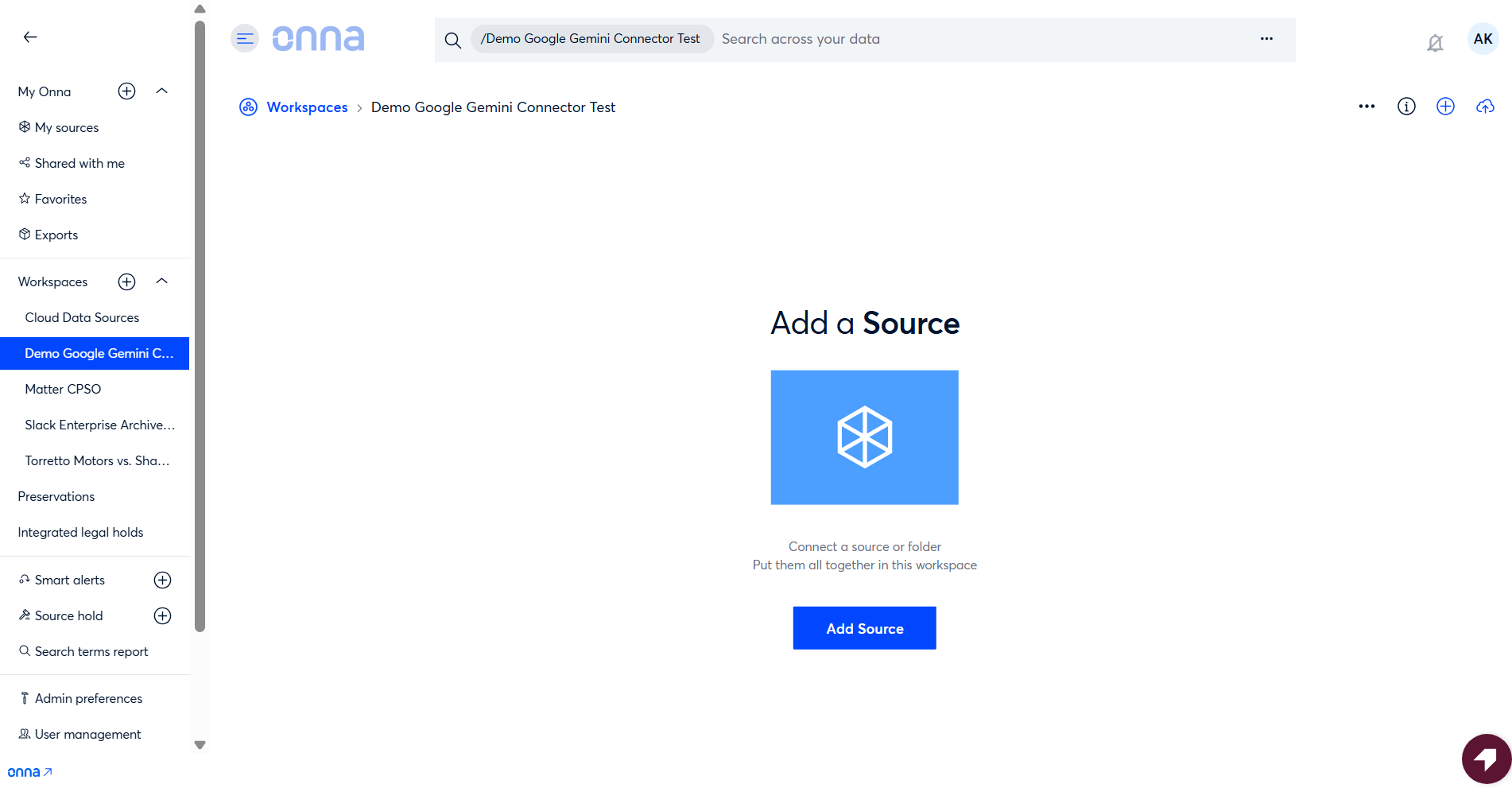
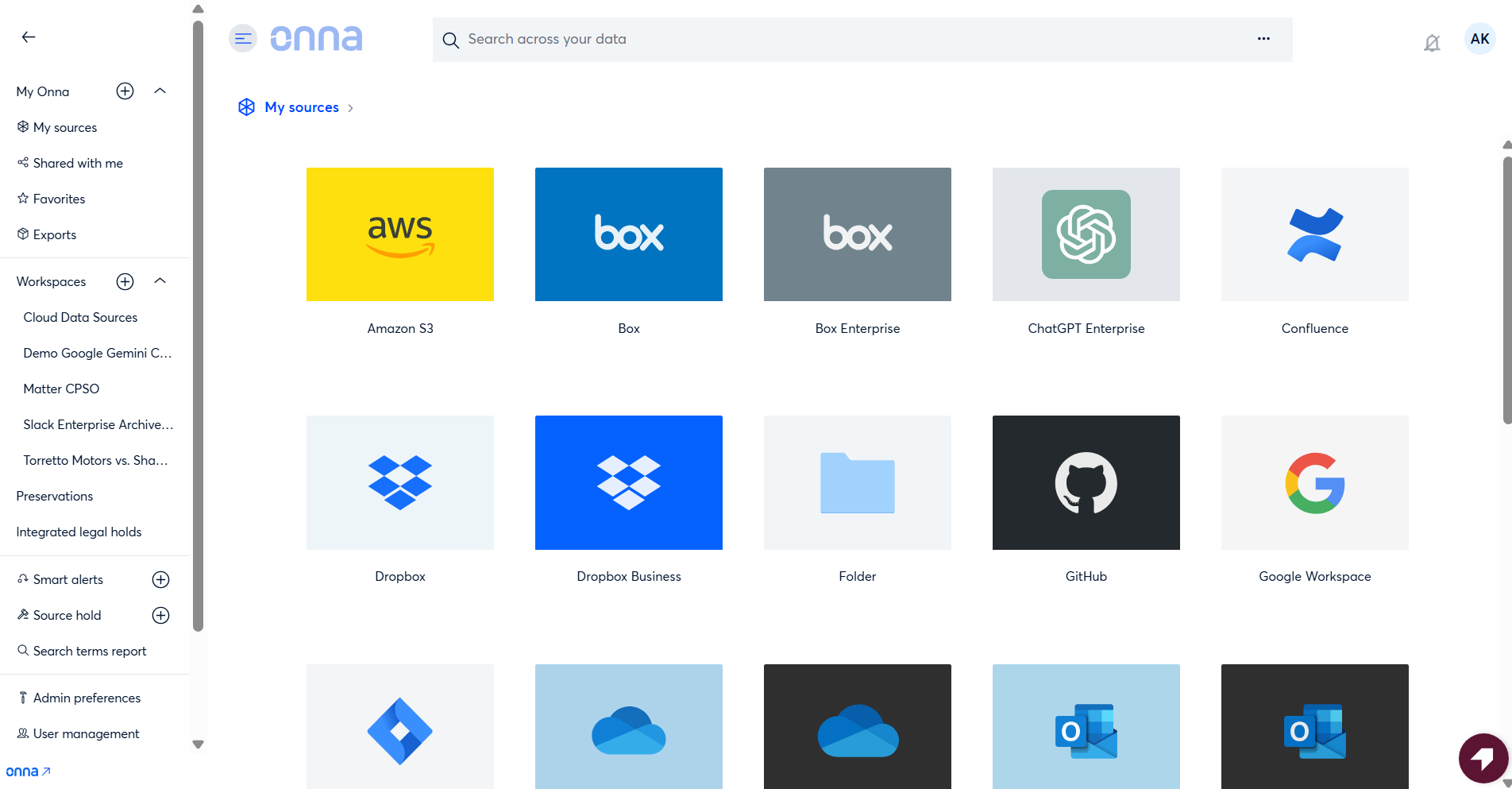
Then select Google Workspace from the list of sources.
Step 2 — Name the sync and confirm the authorized connection
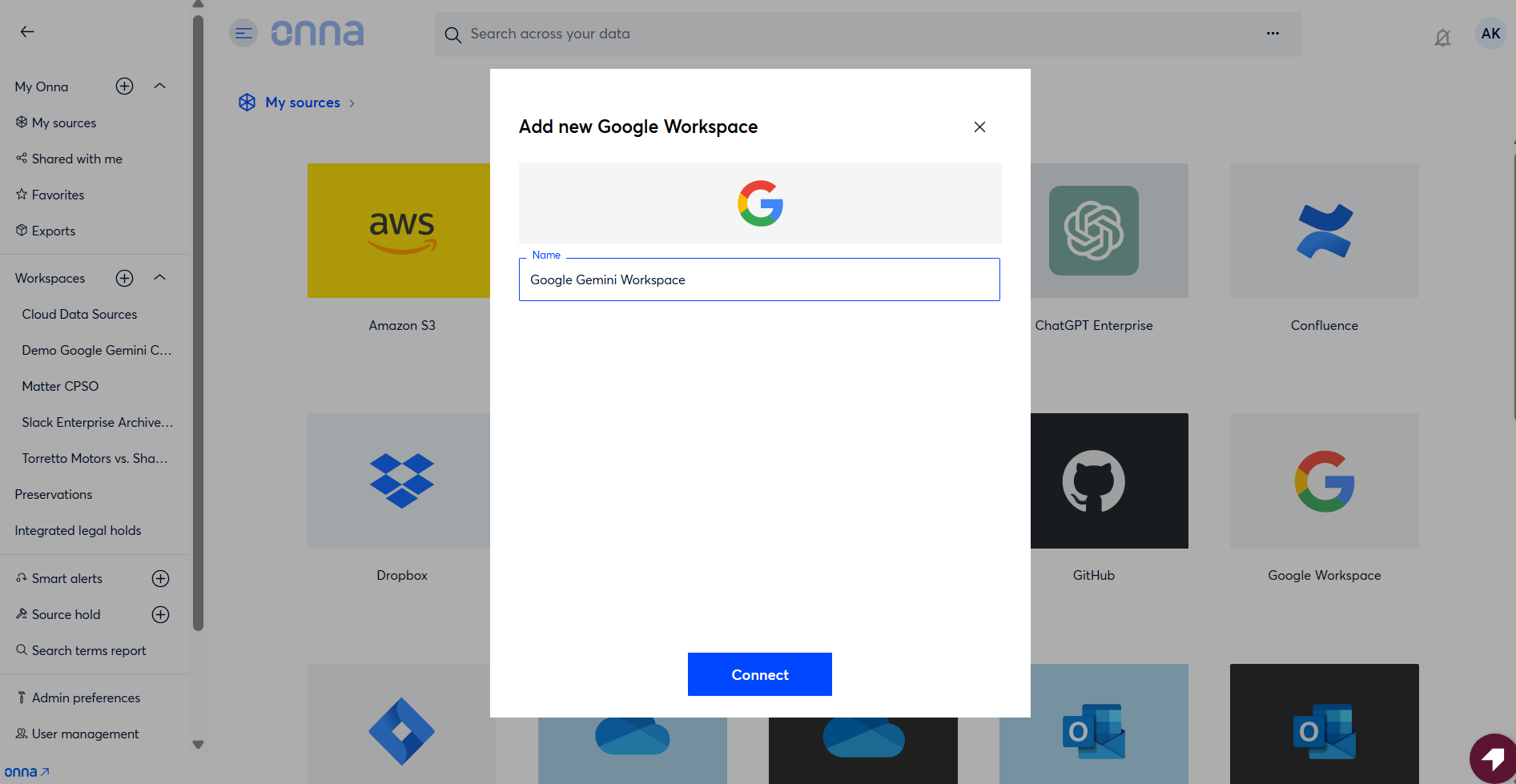
Next you need to Name your sync.
Continue with the existing authorized connection, or select Switch account to use a different one.
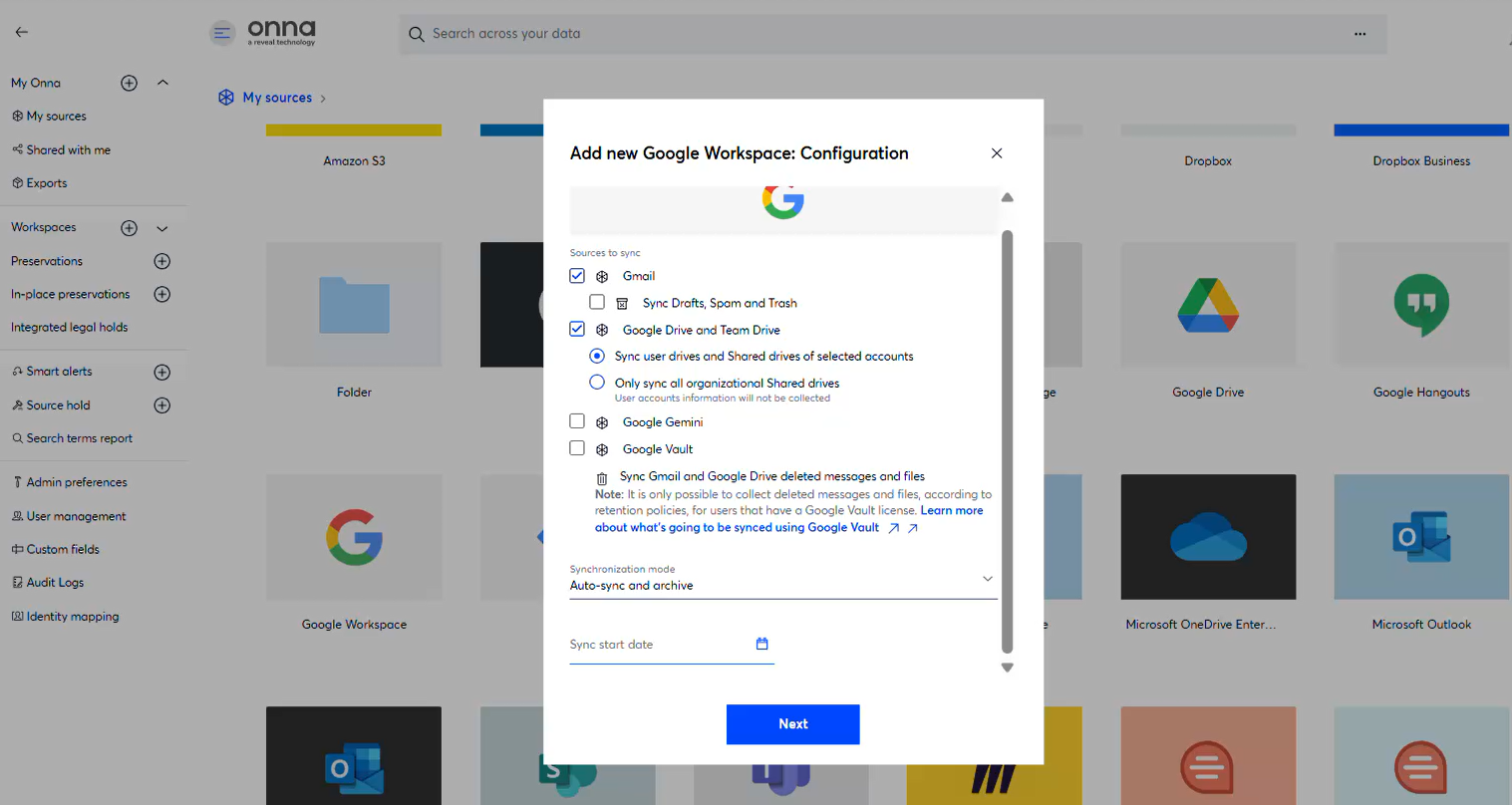
Step 3 — Select content to sync
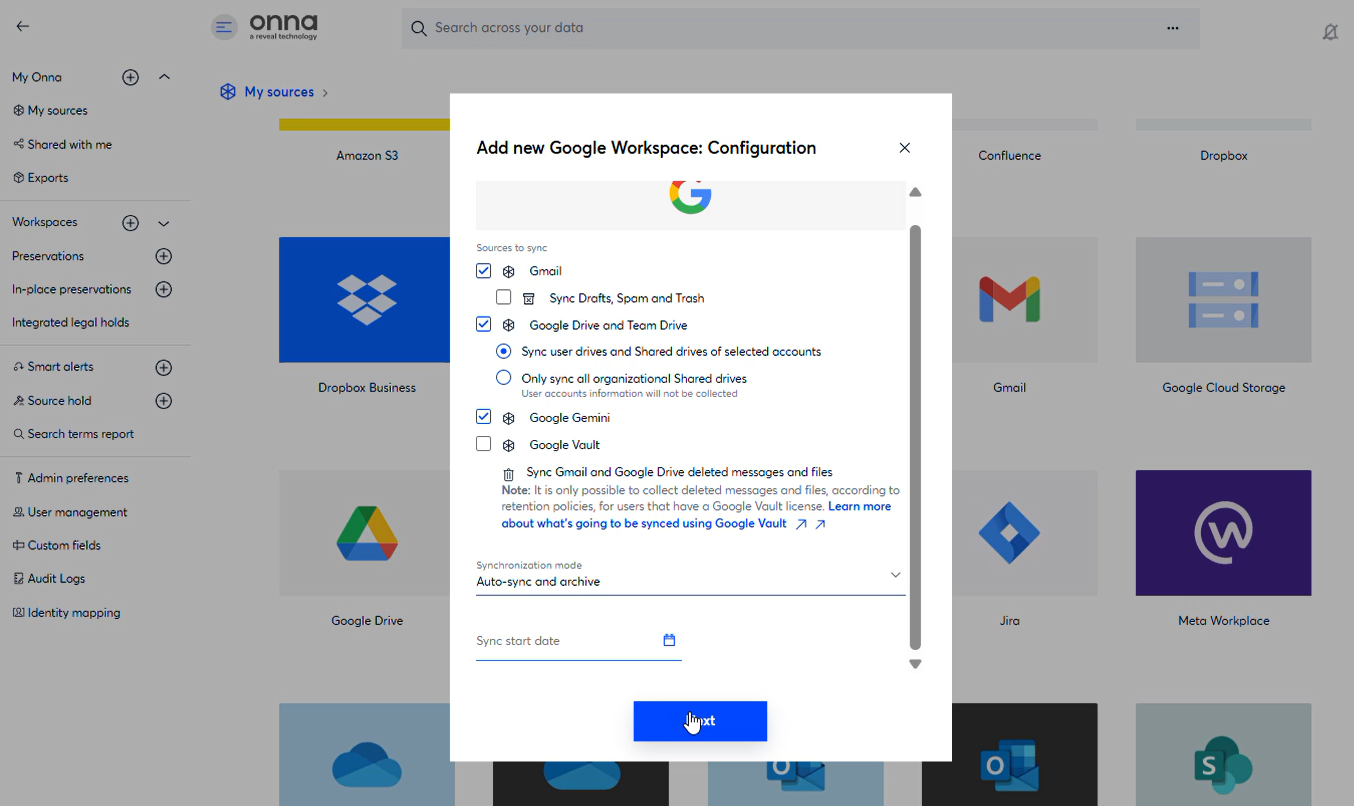
On the content selection screen, check Google Gemini alongside any other content types (Gmail, Drive, Vault) you want to include in this sync.
Step 4 — Configure Gemini sync settings
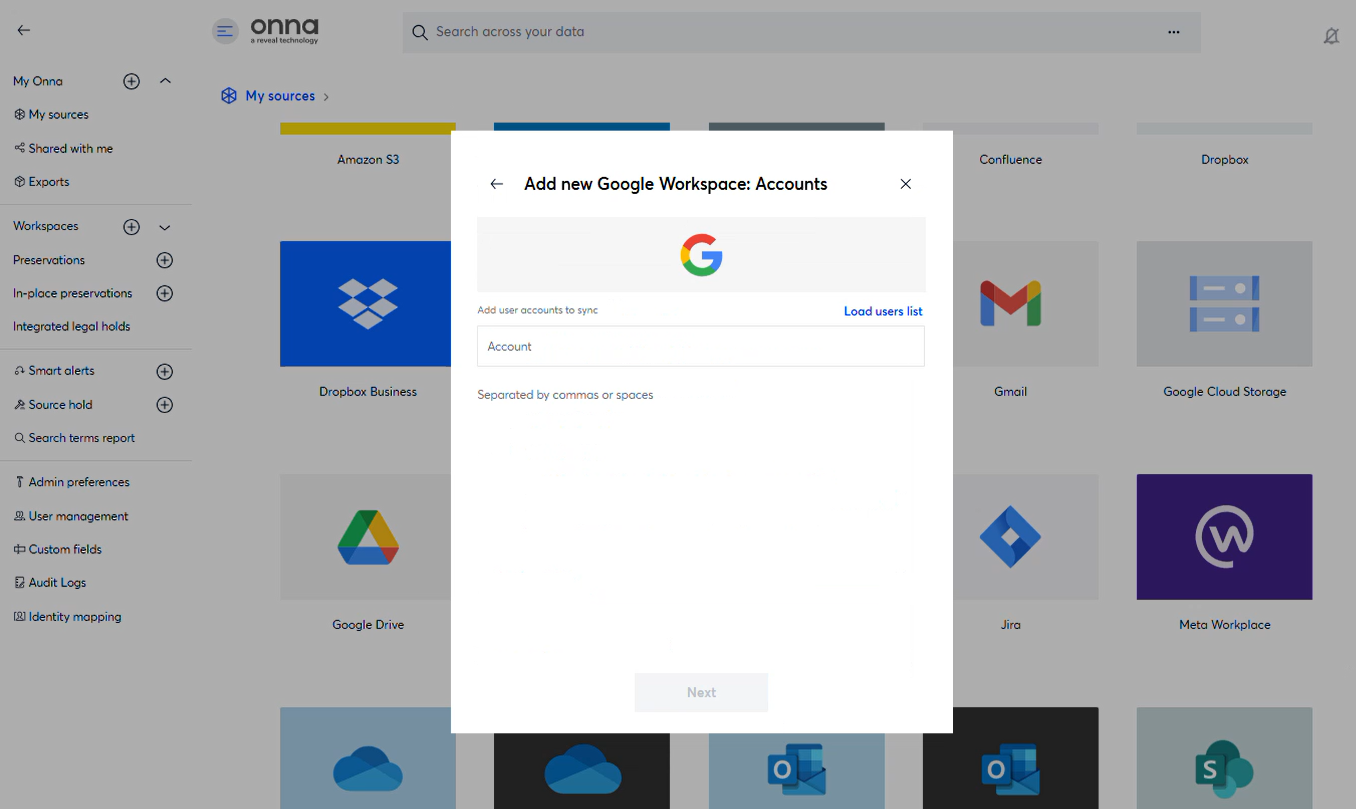
Once Gemini is selected, choose:
Sync scope — Prompts only, or Prompts + Responses
Google Gemini user — the specific user account whose data you want to sync
Sync mode — Auto sync and archive, Auto sync only, or Manual sync
Step 5 — Complete the sync setup
The final step in setting up your Gemini sync is selecting the shared drive folders that contain documents associated with your Prompts and Responses.
Click Select all in the upper right corner of the window to sync all available folders, or select individual folders from the list.
You can also choose to automatically sync future content added to these folders. This option isn't available if you've selected a one-time sync.
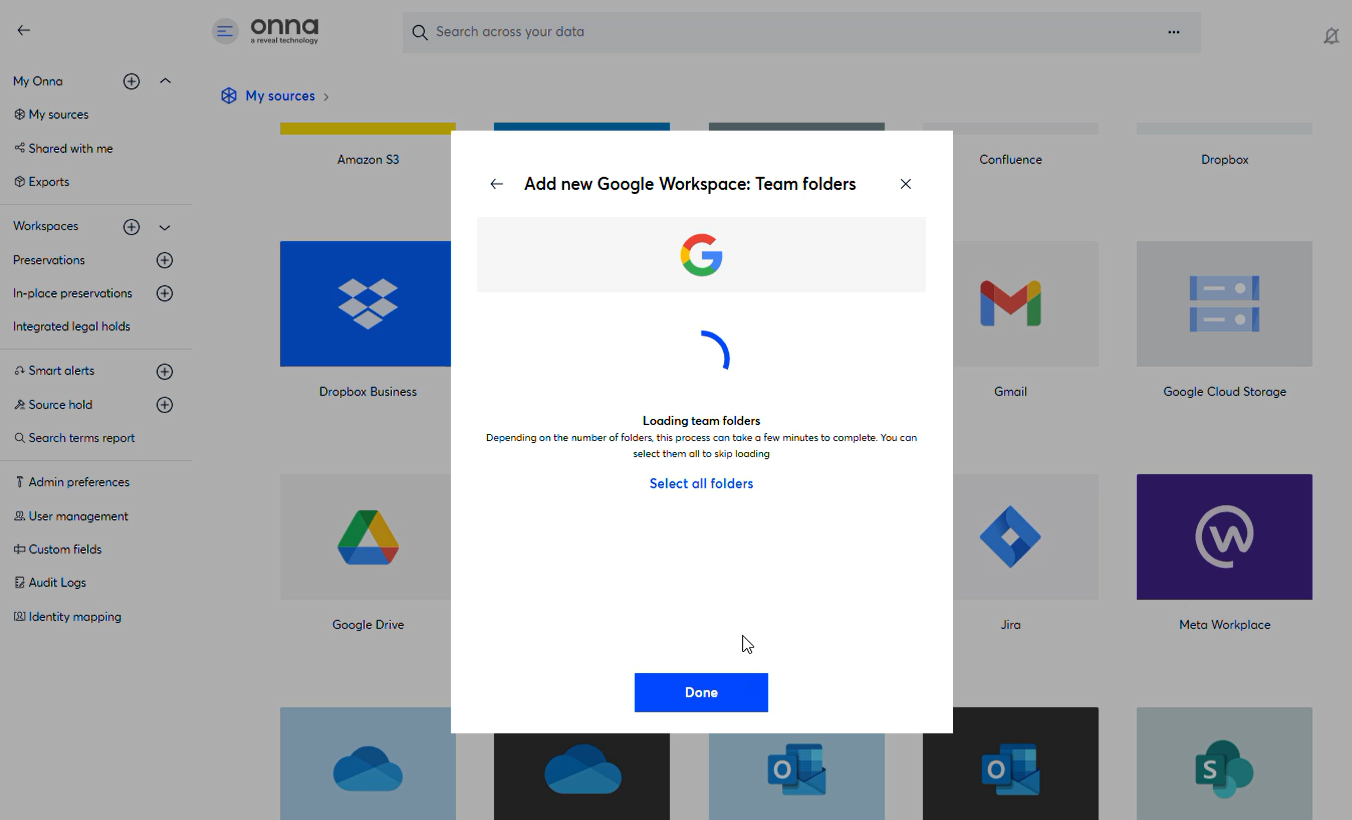
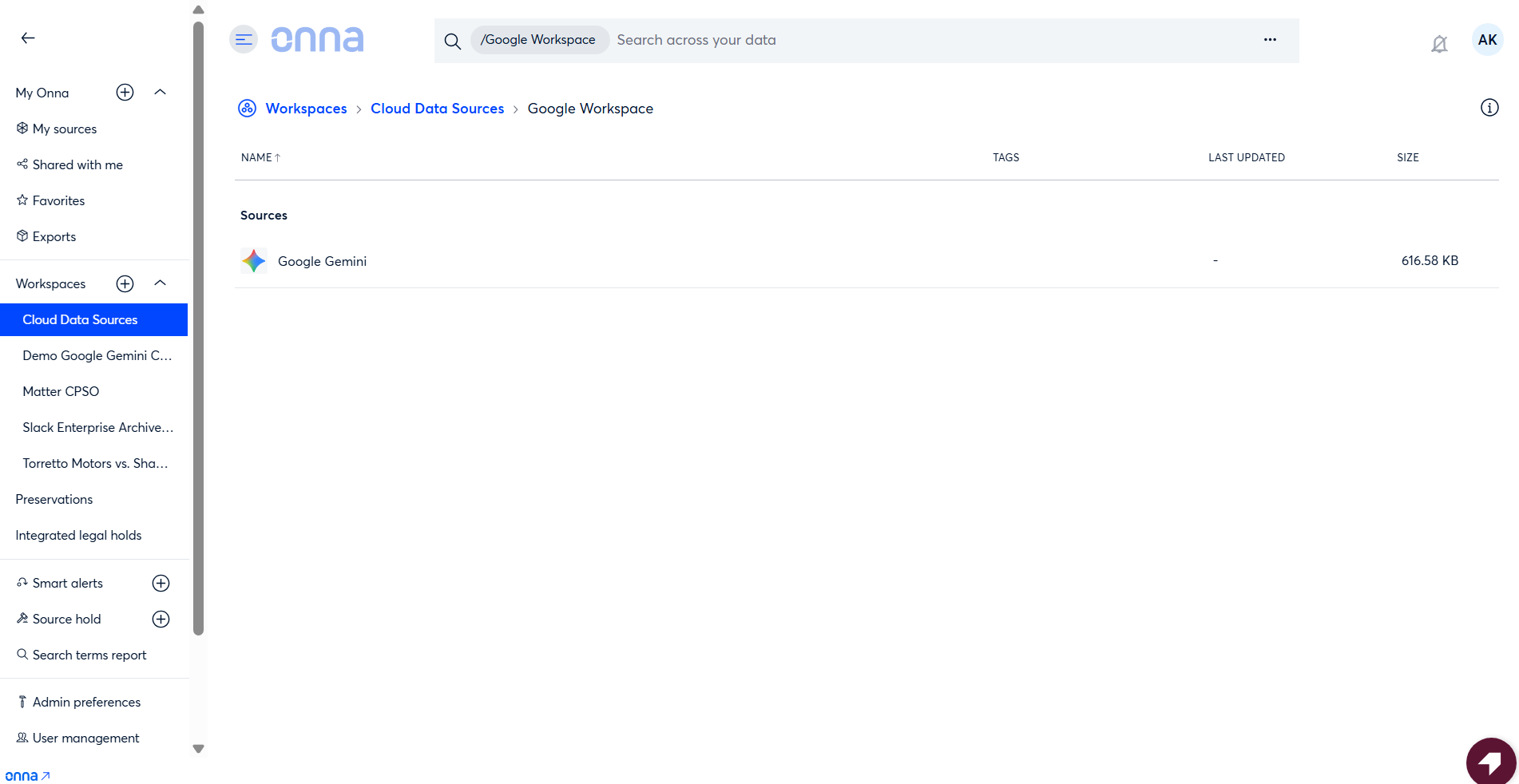
Once you click Done, your sync will begin processing. Because Gemini is configured as part of the Google Workspace connector, you'll see Google Gemini listed as one of the content types included in that sync — it won't appear as a separate source in your sources list.
What Gets Collected
Onna collects Google Gemini AI conversations as dedicated conversation resources. Each conversation thread is ingested as a standalone item that can be searched, reviewed, and exported independently.
Content | Details |
|---|---|
Conversation threads | The full exchange between a user and Gemini, including prompts and responses, preserved in chronological order |
Participants | The Workspace user (custodian) associated with the conversation |
Timestamps | Creation and modification dates for each conversation |
Model information | Metadata identifying the Gemini model involved |
Folder path | Structured path used to organize conversations by custodian within the collection |
Note
User and AI interactions are clearly distinguishable within each collected thread, preserving the conversational structure for review.
Google Gemini Considerations & Limitations
Export Processing Time
Google Vault exports are not instant. Depending on the volume of Gemini conversations for a given custodian, exports can take minutes to several hours to complete. Onna waits for exports to finish before ingesting content, so large collections may take longer than other connector types.
Vault Retention Policies Apply
Only conversations covered by your organization's Google Vault retention rules or active legal holds are available for collection. Conversations outside the scope of a Vault policy may not be retrievable.
Content Availability Window
Gemini conversations are only available through Vault if they fall within the retention period defined in your Vault configuration. Conversations older than the retention window will not be returned in exports.
No Real-Time Collection
Because all data retrieval goes through Google Vault's export process, real-time or near-real-time collection is not supported. Content captured during a sync reflects what was available in Vault at the time the export was created.
Sync Interruptions
If a sync is interrupted while an export is being processed by Google, Onna's workflow infrastructure preserves the export state and resumes from where it left off on the next sync cycle. No data is lost and no duplicate exports are created.
Content Format
Conversation content is ingested as structured text. Formatting is preserved to the extent provided by the Vault export.
Vault License Requirement
The Google Gemini connector can only collect data for custodians who hold an active Google Vault license. Custodians without a Vault license will be automatically excluded from the collection. If none of the custodians in a batch are licensed, that batch will be skipped — this is logged for your records, but no data will be collected for those users.
Attachments and Media Files
Only the text of Gemini prompts and responses is available for collection. This is a Google Vault limitation — Vault does not support the search or export of media files attached to Gemini prompts, or any media files generated by Gemini. As a result, these file types cannot be collected through this connector.
Gemini for Google Workspace
This connector collects data from the standalone Gemini app only. Gemini activity that takes place within other Google Workspace tools — such as Gemini suggestions inside Gmail, Docs, or Sheets — is not retained by Google Vault and cannot be collected.
Primary Response Only
For each turn in a conversation, only the primary Gemini response is collected. If a response was regenerated or multiple drafts were produced, those alternatives are not available through Vault exports and will not collected through Onna.
Gemini System Attribution
All responses generated by Gemini are attributed to a single virtual participant named "Gemini" within Onna. The specific model version used for each response is captured and stored in the item's metadata, so that detail is still available when needed.
Date Range Scope
When you define a date range for your collection, that range is applied at the conversation level — not to individual messages within a conversation. A conversation will be included if it falls within the specified date range based on its overall date, regardless of when specific turns within it occurred.