
In this article:
Overview
Requirements
What Gets Collected
How AI Meeting Notes Work in Onna
Considerations & Limitations
Overview
Zoom AI Meeting Notes allow Onna to collect and surface AI-generated summaries of your Zoom meetings. These summaries are produced by Zoom's AI Companion and ingested by Onna as part of your existing Zoom data source — no additional connector setup is required.
Once collected, meeting summaries become searchable within Onna, giving your team fast insight into what was discussed, key points raised, and next steps, without needing to replay recordings or read through full transcripts.
AI Meeting Notes are available to users who need:
Quick visibility into meeting outcomes across their organization
Improved discoverability of collaboration data captured in Zoom
A searchable record of conversations from Zoom meetings
Requirements
To collect AI Meeting Notes in Onna, the following must be in place:
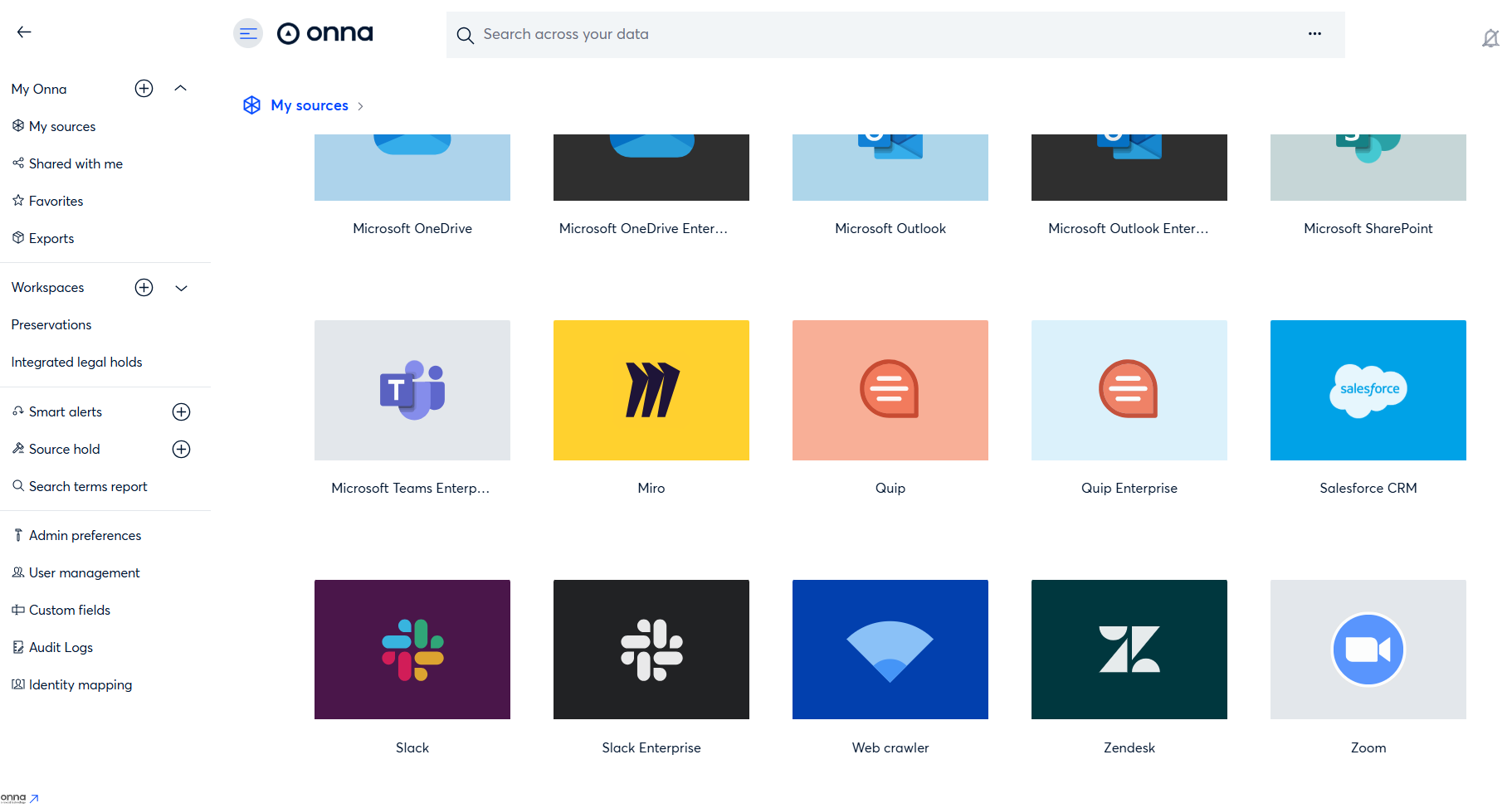
An active Zoom data source already connected in Onna
Zoom AI Companion enabled on your Zoom account
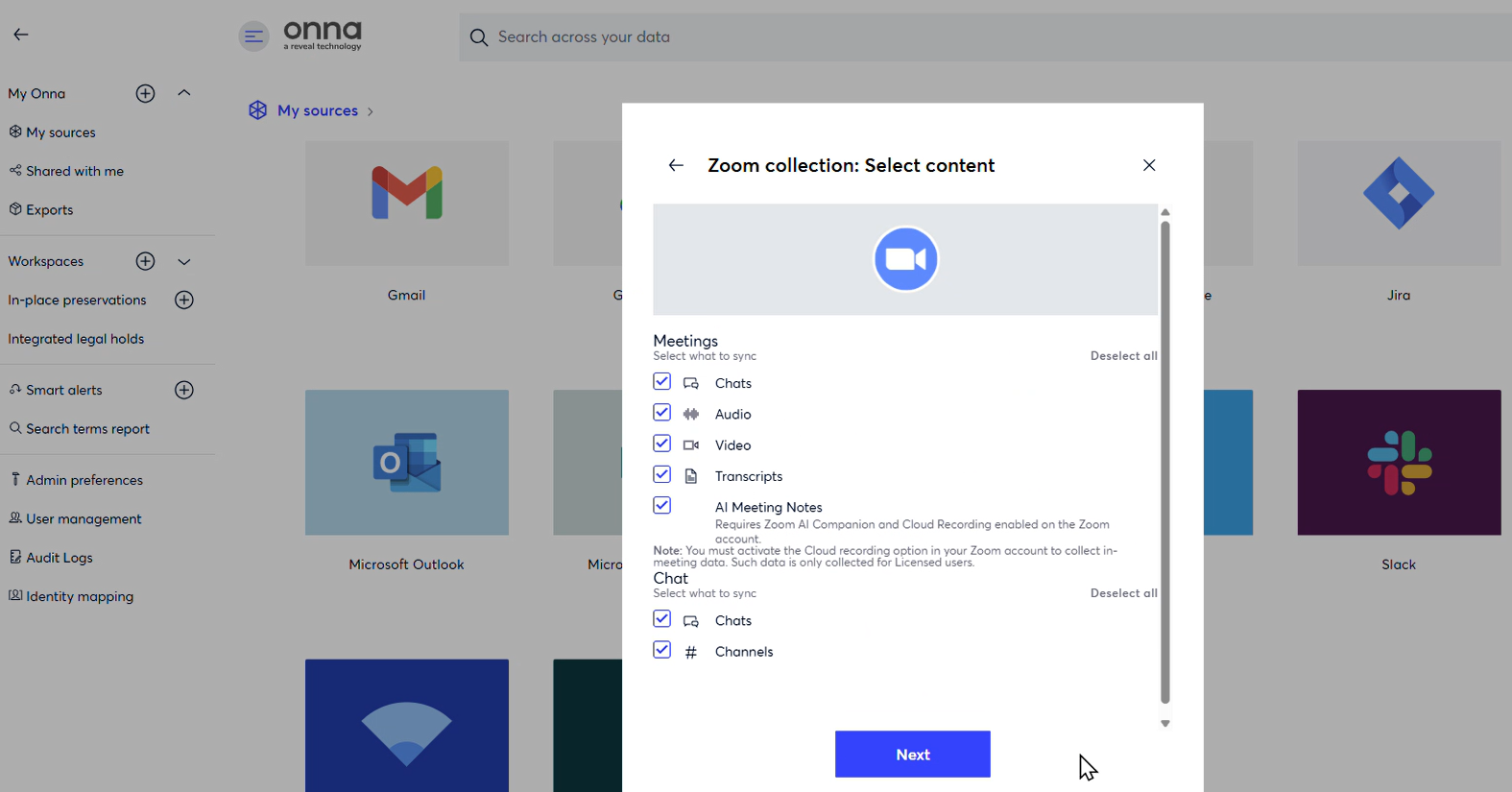
The meeting host must have AI Companion enabled and active during the meeting
Cloud recording is not required for AI Meeting Notes — only the AI Companion feature
Note
AI Meeting Notes are collected as part of your standard Zoom sync. No additional configuration steps are needed within Onna once the above requirements are met.
What Gets Collected
When a Zoom meeting summary is available, Onna collects it as a dedicated resource linked to the corresponding meeting. The following content is ingested:
Content | Details |
|---|---|
Summary text | The AI-generated meeting summary, including key points and next steps |
Meeting identifiers | Meeting UUID, ID, and topic |
Timestamps | Meeting start and end times |
Host information | Details about the meeting host |
Note
Optional summary fields such as action item lists, overview sections, or edited summaries may not always be present, depending on what Zoom provides for a given meeting.
How AI Meeting Notes Work in Onna
AI Meeting Notes are ingested automatically during your Zoom sync. Here is what to expect:
When a summary is available: Onna collects it and stores it as a searchable resource linked to its parent meeting. You can find and search across AI Meeting Notes the same way you would any other content type in Onna.
When a summary is not yet available: Onna will automatically retry on subsequent syncs. Because Zoom's AI Companion can take time to generate a summary after a meeting ends, a brief delay before the summary appears in Onna is normal.
When a summary will never be available: Onna skips the meeting silently without affecting the rest of your sync. This applies to meetings that do not produce summaries. See the Considerations section below for specific cases.
In all cases, the meeting itself is fully collected regardless of whether an AI summary is available.
Considerations & Limitations
Delayed Availability
AI Meeting Notes may not appear immediately after a meeting ends. Zoom can take time to generate the summary, and Onna will retry automatically on subsequent syncs until the summary becomes available.
Meetings That Will Not Produce a Summary
Some meetings will never have an AI summary, and no summary will be ingested for these. This includes:
End-to-end encrypted (E2EE) meetings
Meetings without sufficient audio or transcript data
Meetings where the required Zoom AI Companion permissions or scopes are not in place
Updates to Summaries
If a summary is edited in Zoom after it has been collected by Onna, the update will only be reflected in Onna on the next sync. Real-time updates are not supported.
Content Format
Summary content is ingested as plain text and is fully searchable within Onna. No additional formatting or parsing is applied.
Retry Limits
If Onna is unable to collect a summary after repeated attempts, the summary will no longer be retried and will remain unavailable for that meeting.