After setting up PingOne Authorize in your environment, users should add a worker application to activate authorization API capabilities.
To start, go to the Admin bar console and select Applications > Applications.
Click the + icon near Applications.
Type the Application Name and Description.
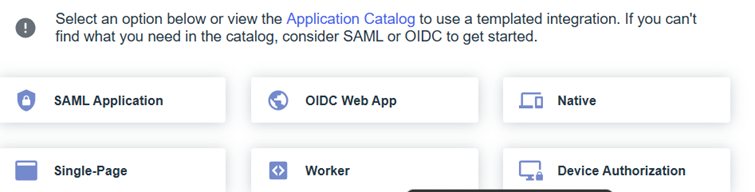
For the Application type, select Worker and Save.
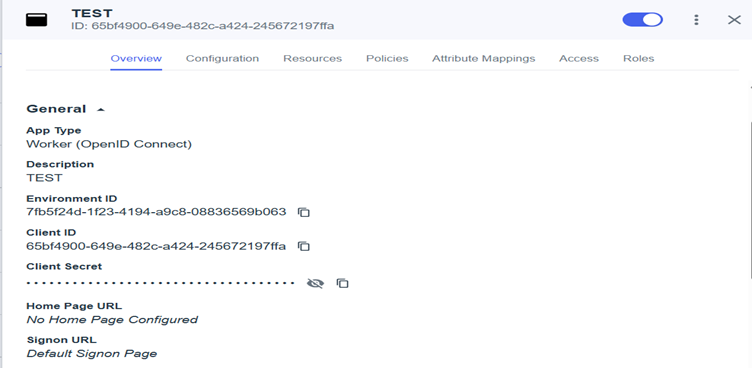
Fill out the Client ID and Client Secret fields.
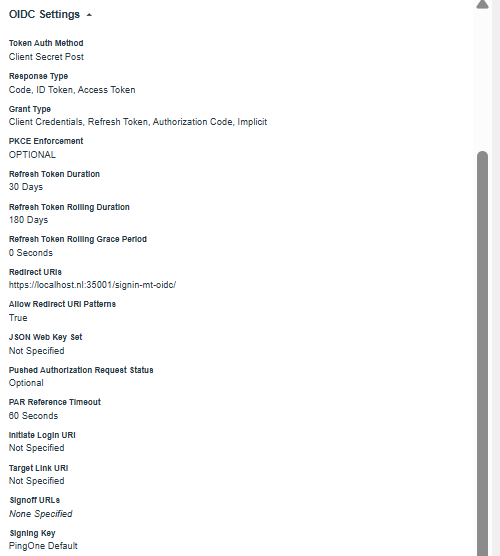
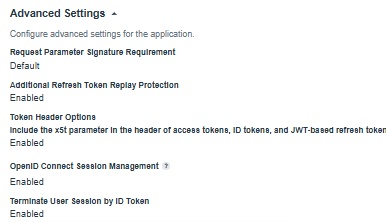
Fill out the following Configuration fields as described below:
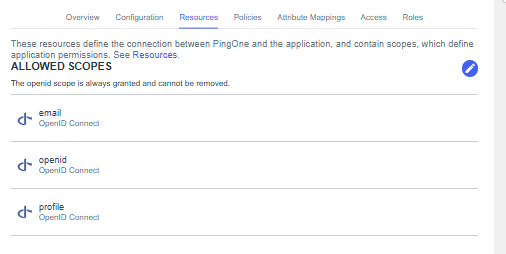
Application Resources should contain:
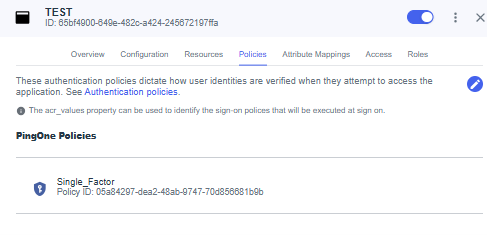
In the application Policies section, add your application policy.
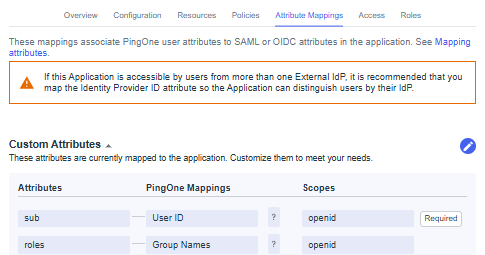
Application Attribute Mappings include:
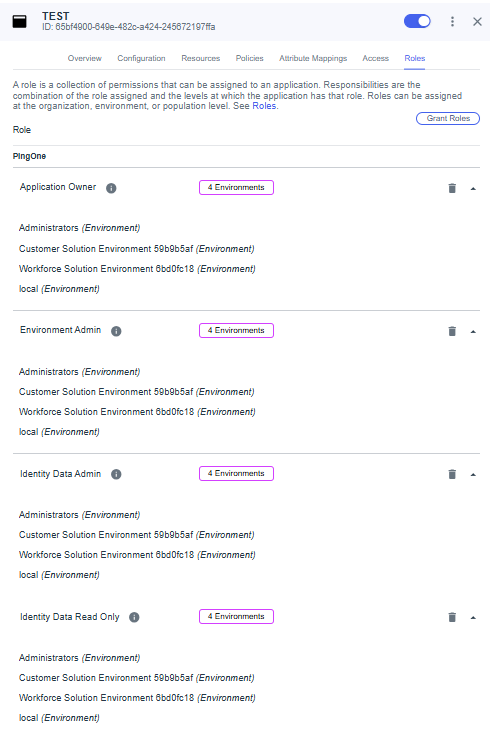
Define the application Roles to choose which users can access the application.