Overview of the Key Features
ChatGPT Enterprise and Claude Connectors Now Available to All Customers
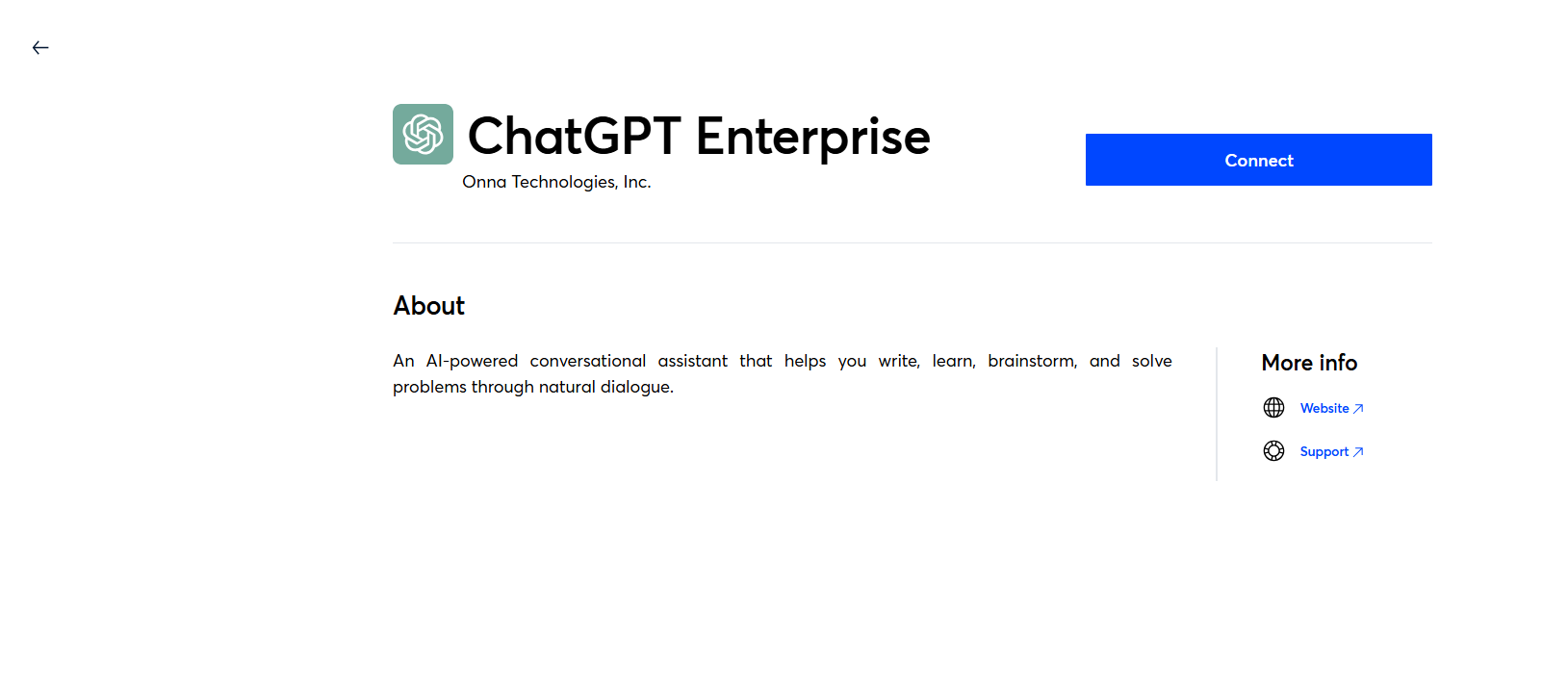
Onna’s ChatGPT Enterprise and Claude connectors are now available to all customers and no longer need to be enabled by Reveal. Both connectors collect AI conversation data through the vendors’ compliance APIs, so it can be searched, reviewed, and exported alongside your other Onna sources.
ChatGPT Enterprise collects conversation threads, uploaded and generated files, canvases, and voice recordings. It requires a ChatGPT Enterprise or Edu subscription with the OpenAI Compliance API enabled.
Claude collects conversation threads, uploaded and generated files, and artifacts. It requires a Claude Enterprise subscription with the Anthropic Compliance API enabled.
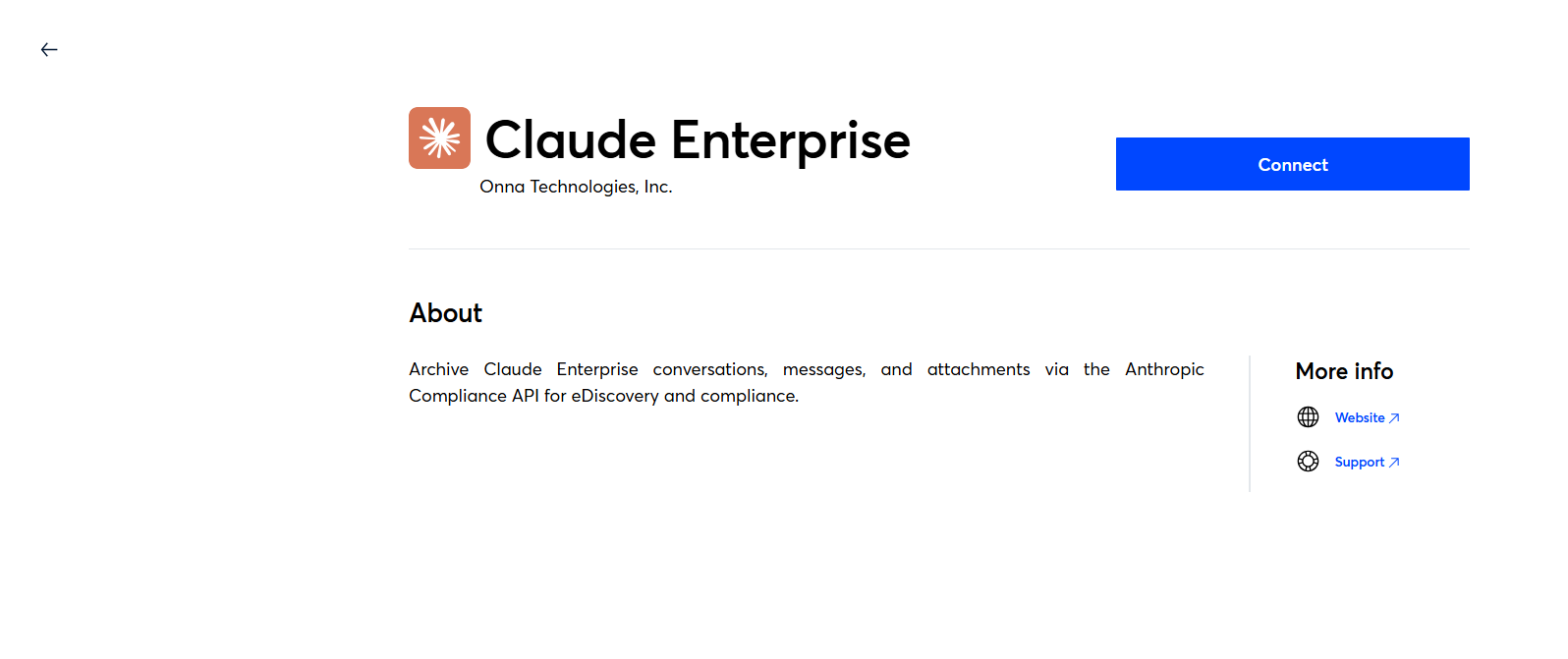
To get started, see ChatGPT: How to Connect and Collect and Claude: How to Connect and Collect articles.
Auto Sync Now Collects Folders Shared After the Initial Collection
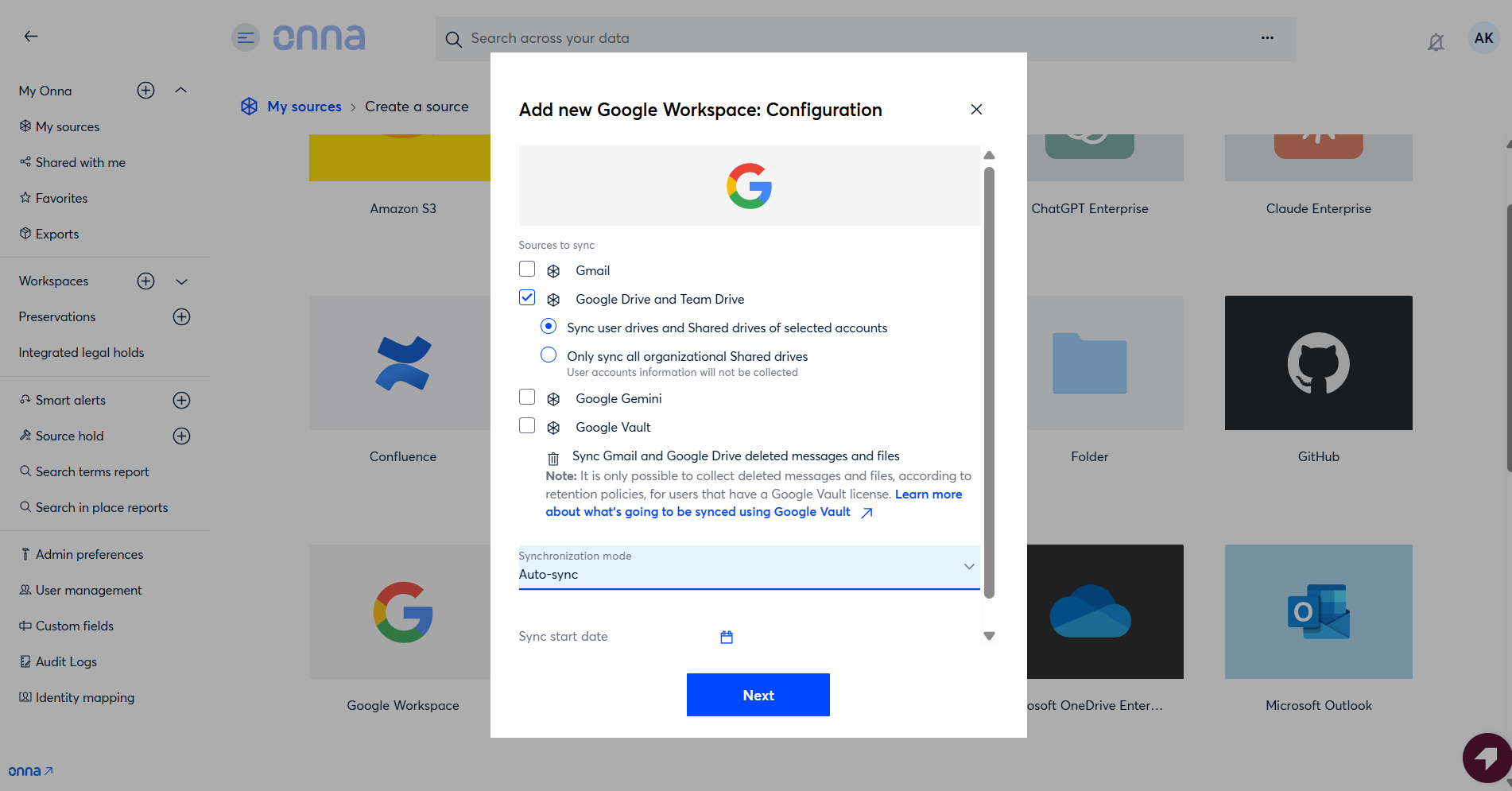
Auto Sync now detects folders that are shared with a custodian after their initial Google Drive collection has finished, and collects their data automatically. Previously, these newly shared folders and their contents were not picked up.
Retention Policies - Set Separately for Each Connector
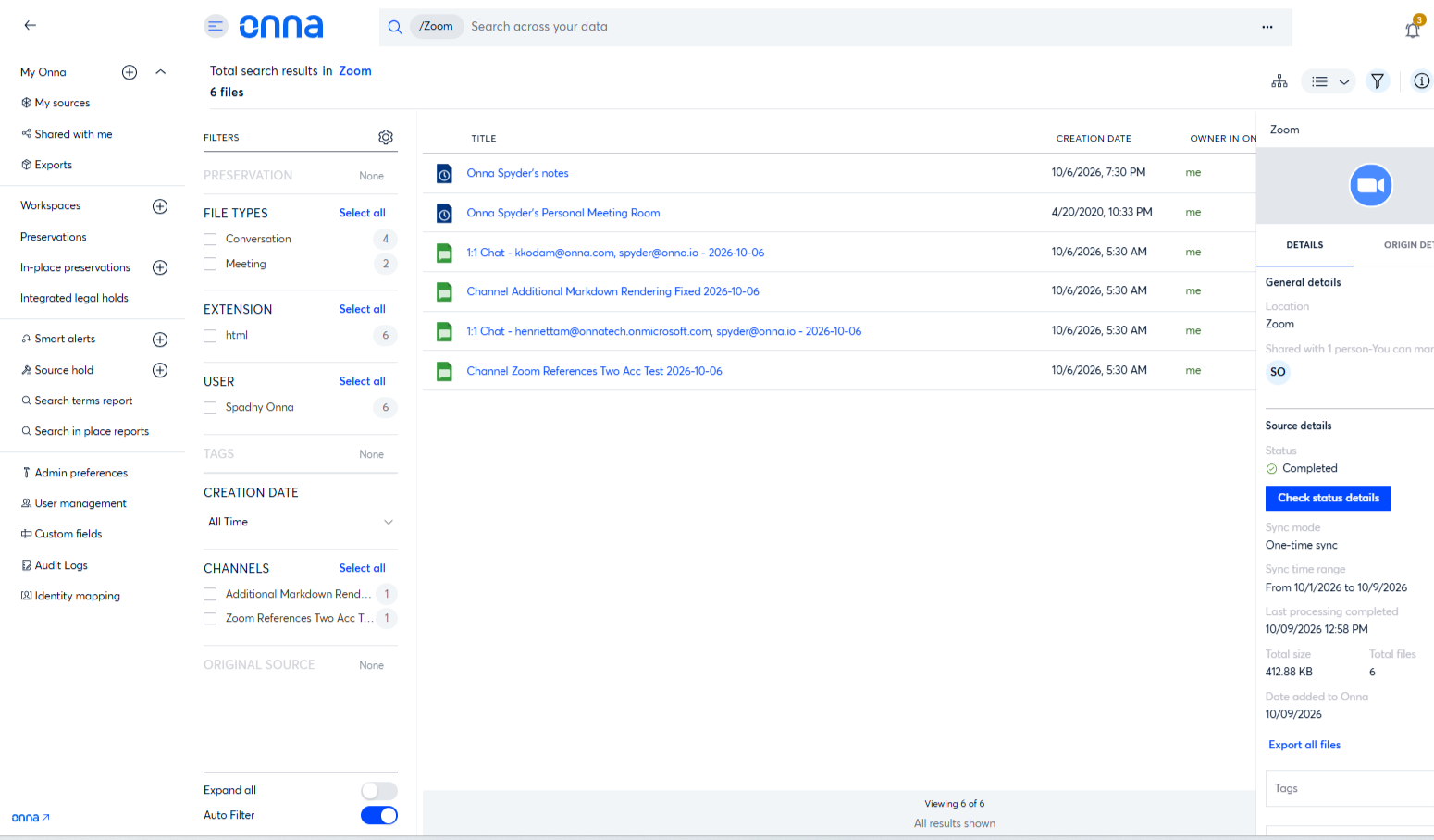
Retention policies can now be set individually for Zoom, Okta, Google Cloud Storage, OneDrive, Workplace, Miro, and Gemini. A policy configured for one of these connectors no longer applies to the others.
Release Details Table
Internal Reference ID | Type | Category | Description |
|---|---|---|---|
ONNA-5087 | Update | Administration | Retention policies for Zoom, Okta, Google Cloud Storage, OneDrive, Workplace, Miro, [TBC: Microsoft product], and Gemini can now be set separately for each connector, so a policy for one connector no longer applies to the others. |
ONNA-5486 | Update | Connect & Collect | The “Certificate” field in the Google Workspace connect dialog has been relabeled as [TBC: new label] and now includes hint text. |
ONNA-5248 | Fix | Connect & Collect | The “Check status details” button in the datasource details panel is now available to users with edit access to the datasource. Previously it was disabled for every collaborator except the workspace owner, with a message incorrectly saying detailed status was unavailable for the source. |
ONNA-5467 | Fix | Connect & Collect | Google Drive Auto Sync now detects and collects folders that are shared with a custodian after the initial collection has completed. |
ONNA-5840 | Fix | Connect & Collect | The sync status detail panel now shows “Completed with exceptions” for initial and one-time collections that ingested with failed resources, instead of a green “Completed.” This matches the continuous collection card. |
ONNA-5753 | Fix | Integrated Legal Holds | Fixed an issue where legal hold notices written in the notification editor could break mid-word at the right margin in the custodian's email, with uneven line lengths. Legal hold notices now wrap between words, whether the text was typed or pasted from Word or Google Docs. Legal hold notices and templates saved before this fix also display correctly when sent, with no need to re-save them. |