There are two primary portals associated with the Logikcull for Public Records: the Public Portal and the Agency Portal.
Public Portal
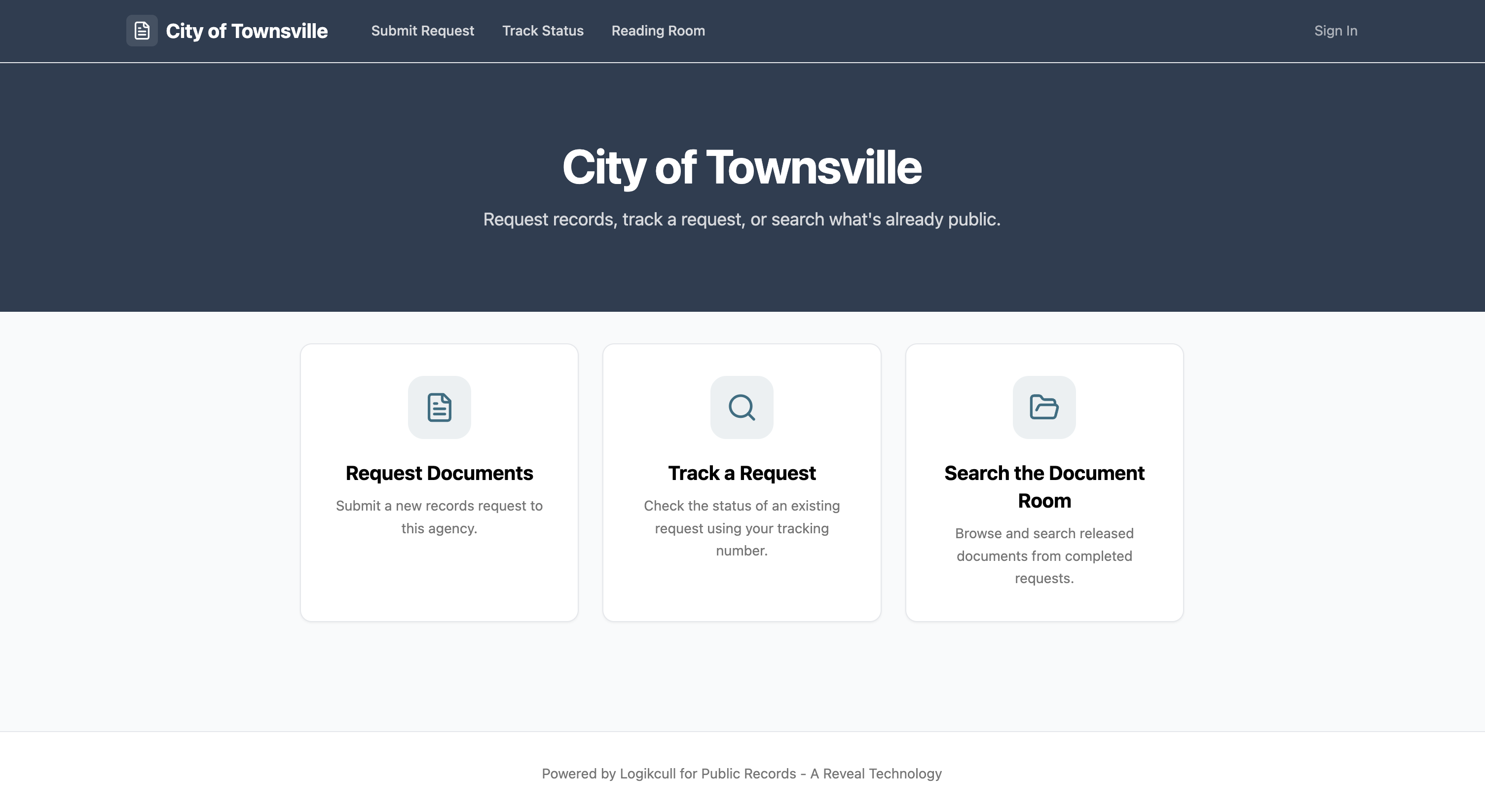
The Public Portal allows anyone to submit a records request, check the status of their request at any time, and view released documents, all without needing to create an account.
For more information on how to use the Public Portal, please read the following articles:
Agency portal
.png)
The Agency Portal is where an agency’s request officers review incoming requests, communicate directly with requesters, coordinate document retrieval, and release records. Records officers need their own account to access the agency portal.
When a requester submits a request through the Public Portal, it appears immediately in the Agency Portal. The assigned records officer is then able to review the request, send an acceptance or declination and, if accepted, coordinate document retrieval and release. Any changes in request status are immediately reflected in the Public Portal so requesters can stay on track with request updates.
For more information on navigating and using the Agency Portal, see the articles in the following folders: