Updates in feature releases, product improvements, and bug fixes.
Request routing and automation
Admins can create custom routing rules that can perform a wide variety of actions for your request, like:
Assigning locations, reviewers, and labels
Sending an email to one or more individuals
Setting internal target dates or request types
Adding internal notes
The above actions can be triggered based off details surrounding a submitted request, for example specific content mentioned inside the description. This can decrease the manual workload that surrounds request triaging and assignment.
.png)
We’ve also provided a library of automation templates to choose from, including templates for requests from commercial requesters, requests related to budgets and contracts, requests with no department chosen, and more.
Learn more: Create Routing Rules, Routing Flow Chart
Request payments
A new Payments tab in settings lets Admins enable one or more payment methods for your agency. If enabled, agents can send invoices for records requests through an in-message link or email from Stripe, a payment carrier that links directly to Logikcull for Public Records.
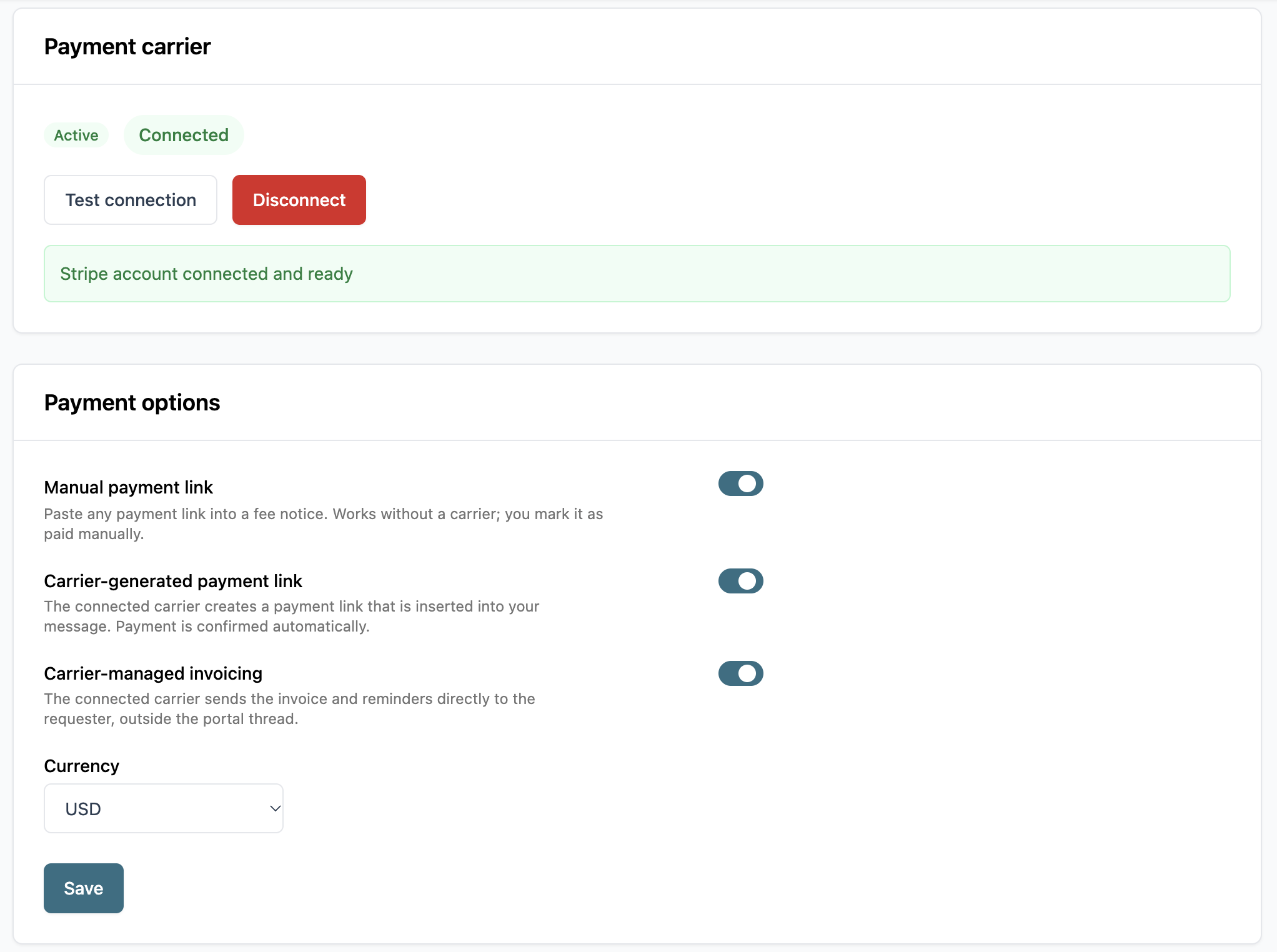
You can also choose from a list of supported currencies for your invoice: USD, EUR, GBP, CAD, or AUD.
Learn more: Configure Payment Method, Send Fee Notice
Out of office status and delegation
If you’re an Officer or Admin, you can set yourself as out of office between a custom or open-ended date range through your account settings.
While out of office, you can delegate another active Officer or Admin to receive your requests so that no incoming requests go unnoticed or lead to missed deadlines. Otherwise, requests can be delegated to no one, in which case they’ll go to the fallback assignee or left unassigned but able to be claimed by other agents.
.png)
Learn more: Profile Settings
Improved Logikcull integration
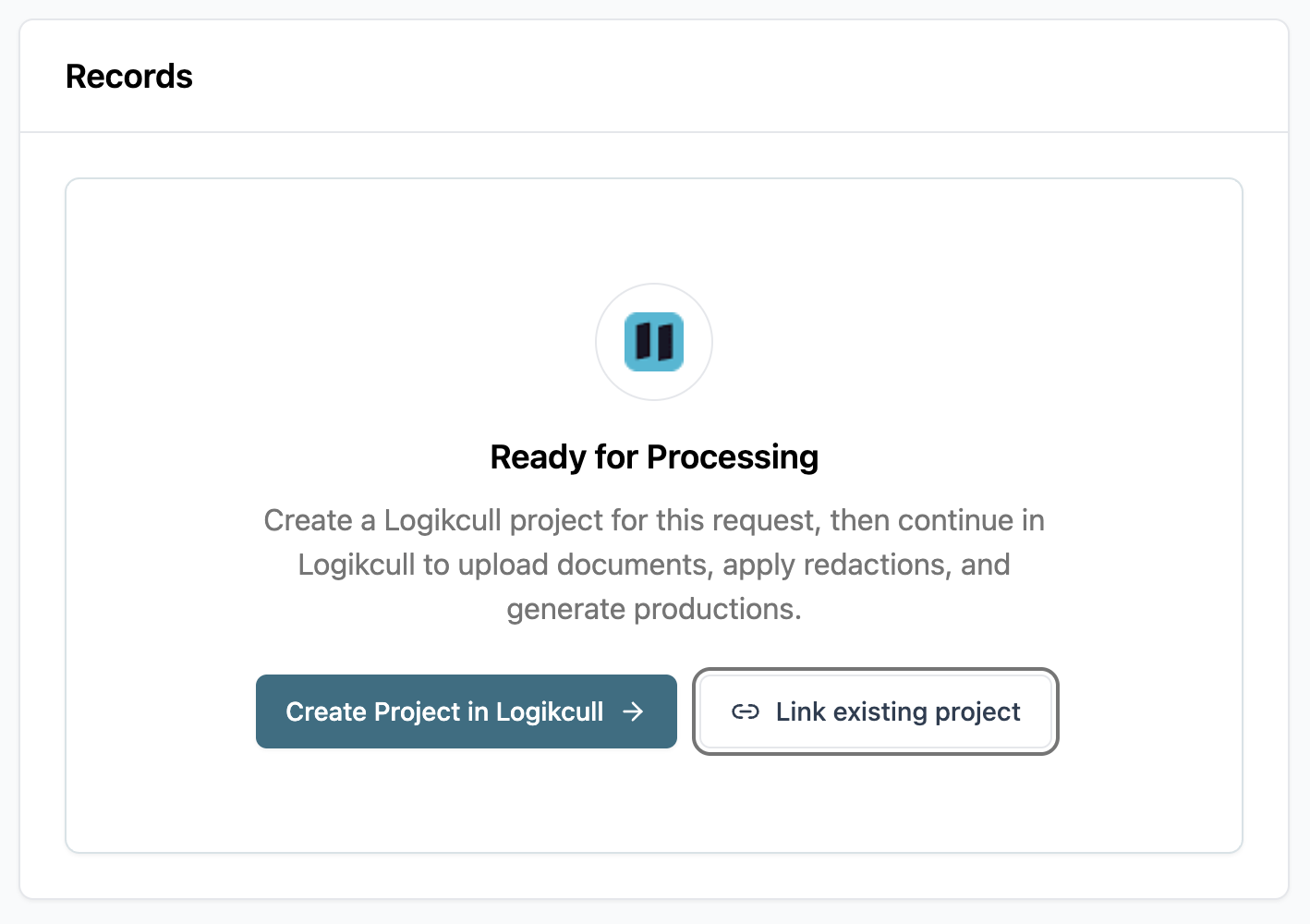
Requests can now be linked to an existing Logikcull project rather than needing to create a new one, so records already collected in an existing project don’t have to be re-uploaded.
Other fixes and tweaks
Ticket ID | Title | Description | Fix Date (bugs only) |
|---|---|---|---|
FP-546 | In-app documentation widget | Clicking the help | - |
FP-539 | Production page count and file size | The Records tab now shows productions with their file sizes and page counts, so you know how much storage a production uses before releasing it. | - |
FP-538 | Storage volume analytics | The Operational Volume report now shows your agency’s total storage volume, so you can keep track of usage over time. | - |
FP-532 | Completion workflow for uploaded documents | Requests uploaded through the Records tab now follow through the full records workflow to completion, so you can complete a request like you would if you had produced it in Logikcull. | - |
FP-531 | Upload directly in Records tab | Agents can upload documents to a request through the Records tab without the need to create a Logikcull project. | - |
FP-523 | Improved account activation email language | Improved the language included in the activation / invitation email for new Logikcull for Public Records users. | - |
FP-398 | Custom label creation | Admins can now create, edit, and deactivate their own labels in Settings. Labels can be either assigned to all locations or one location. | - |
FP-75 | AI-suggested search terms | Suggested Search Terms generates a list of helpful search terms and search queries to jumpstart records retrieval in your Logikcull project. | - |
 icon now opens the knowledge base in an in-application widget instead of a new browser tab, letting you reference documentation without losing your place in the portal.